


Two Point Museum v10.0 HYPERVISOR-P2P
P2P – ONE FTP LINK – TORRENT
Curate and manage incredible museums! Explore to discover amazing artifacts…..
ABOUT THE GAME
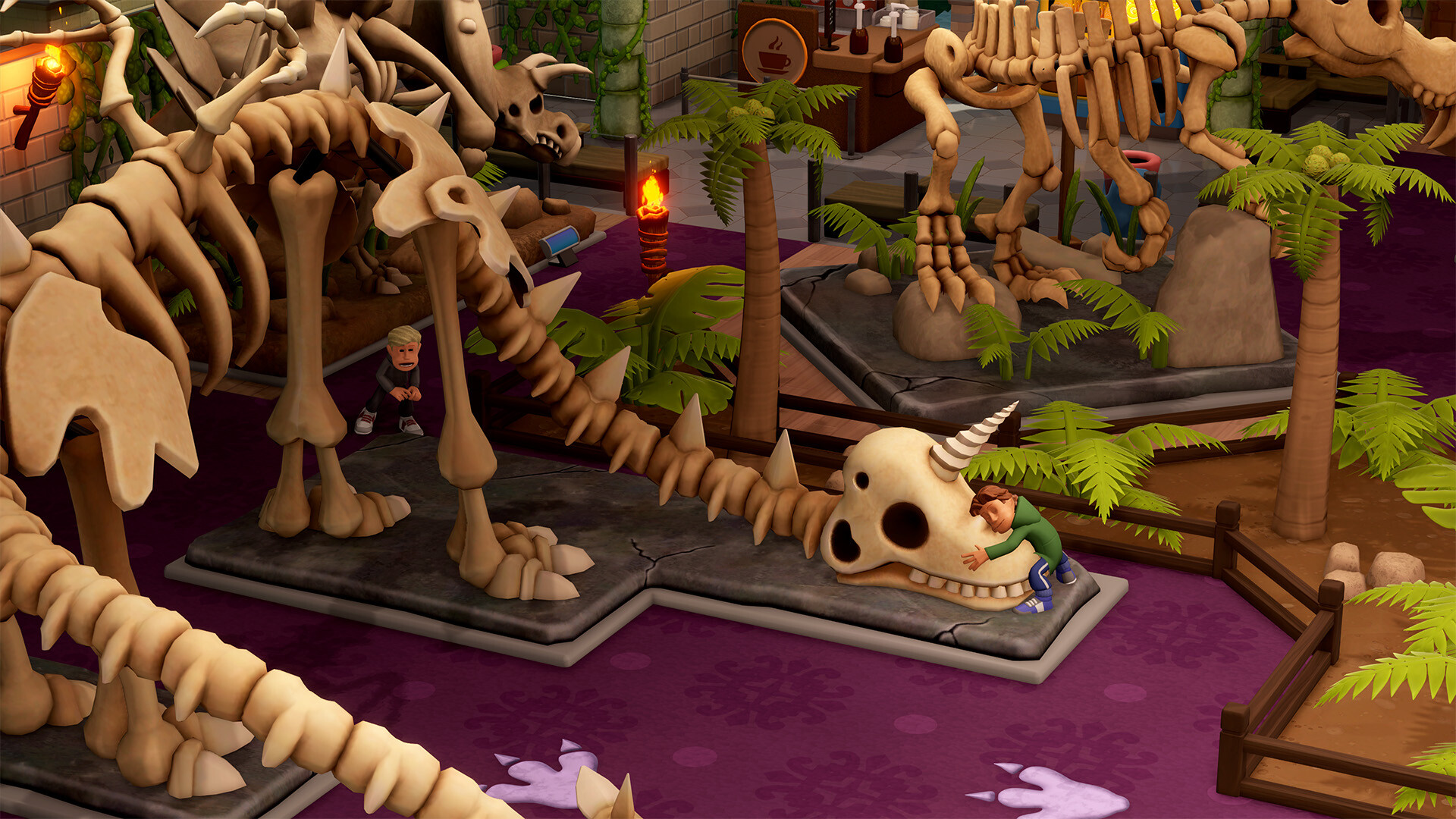
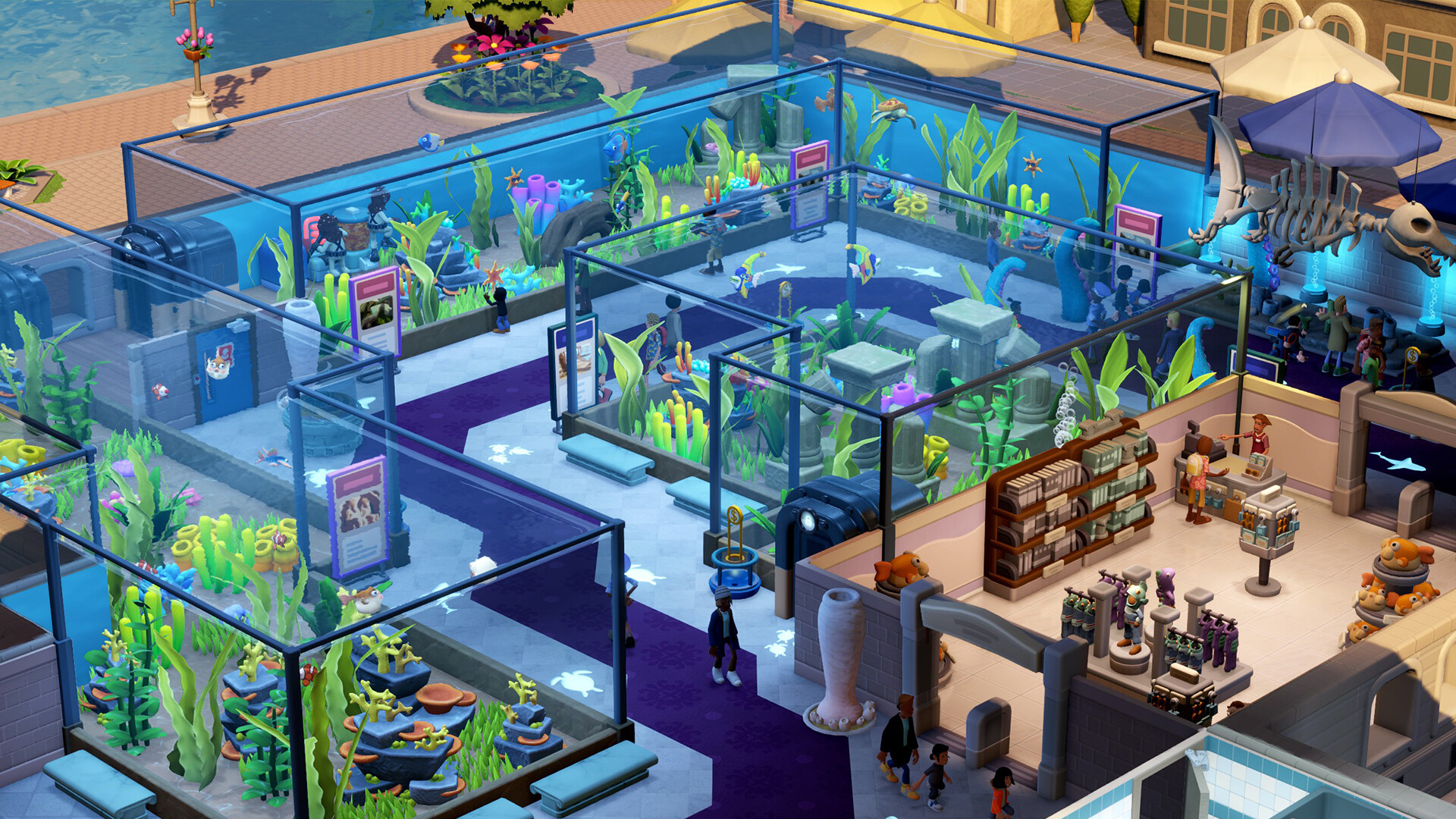
Curate and manage incredible museums! Explore to discover amazing artifacts. Design and refine the layout, keep staff happy, guests entertained, donations plentiful… and children off the exhibits
Title: Two Point Museum
Genre: Casual, Indie, Simulation, Strategy
Release Date: 4 Mar, 2025
Support the software developers. BUY IT!
• https://store.steampowered.com/app/2185060/Two_Point_Museum/
Release is using Hypervisor bypass by DenuvOwO team. Instructions:
1- install game
2- Educate yourself first by reading _Info.txt and DenuvOwO.nfo; CPU virtualization
must be enabled in BIOS (some motherboards have it enabled as default setting)
3- Start as Administrator "VBS.cmd" from game folder, press 1, restart computer,
then on the next boot press F7 when new window will show up (driver signature OFF)
4- Start from desktop icon
PS: Once you make it work, any other game with Hypervisor can be installed and played from
desktop icon (as long as you don't restart/shutdown PC - then again VBS.cmd > 1 > reboot >
F7 > desktop icon)
1- install game
2- Educate yourself first by reading _Info.txt and DenuvOwO.nfo; CPU virtualization
must be enabled in BIOS (some motherboards have it enabled as default setting)
3- Start as Administrator "VBS.cmd" from game folder, press 1, restart computer,
then on the next boot press F7 when new window will show up (driver signature OFF)
4- Start from desktop icon
PS: Once you make it work, any other game with Hypervisor can be installed and played from
desktop icon (as long as you don't restart/shutdown PC - then again VBS.cmd > 1 > reboot >
F7 > desktop icon)
Two Point Museum v10.0 HYPERVISOR-P2P
Size: 4.2 GB
——————————-
Uploading.........
Two.Point.Museum.v10.0.HYPERVISOR-P2P.iso
Two.Point.Museum.v10.0.HYPERVISOR-P2P.iso
Two.Point.Museum.v10.0.HYPERVISOR-P2P.iso
Two.Point.Museum.v10.0.HYPERVISOR-P2P.iso
Two.Point.Museum.v10.0.HYPERVISOR-P2P.iso
Two.Point.Museum.v10.0.HYPERVISOR-P2P.iso
Two.Point.Museum.v10.0.HYPERVISOR-P2P.iso
Two.Point.Museum.v10.0.HYPERVISOR-P2P.iso
Two.Point.Museum.v10.0.HYPERVISOR-P2P.iso
Two.Point.Museum.v10.0.HYPERVISOR-P2P.iso
Two.Point.Museum.v10.0.HYPERVISOR-P2P.iso
Two.Point.Museum.v10.0.HYPERVISOR-P2P.iso
Two.Point.Museum.v10.0.HYPERVISOR-P2P.iso
Two.Point.Museum.v10.0.HYPERVISOR-P2P.iso
Two.Point.Museum.v10.0.HYPERVISOR-P2P.iso
Two.Point.Museum.v10.0.HYPERVISOR-P2P.iso
Two.Point.Museum.v10.0.HYPERVISOR-P2P.iso
Two.Point.Museum.v10.0.HYPERVISOR-P2P.iso
Two.Point.Museum.v10.0.HYPERVISOR-P2P.iso
Two.Point.Museum.v10.0.HYPERVISOR-P2P.iso
Two.Point.Museum.v10.0.HYPERVISOR-P2P.iso
Two.Point.Museum.v10.0.HYPERVISOR-P2P.iso
Two.Point.Museum.v10.0.HYPERVISOR-P2P.iso
Two.Point.Museum.v10.0.HYPERVISOR-P2P.iso
Two.Point.Museum.v10.0.HYPERVISOR-P2P.iso
Two.Point.Museum.v10.0.HYPERVISOR-P2P.iso
Two.Point.Museum.v10.0.HYPERVISOR-P2P.iso
Two.Point.Museum.v10.0.HYPERVISOR-P2P.iso
Two.Point.Museum.v10.0.HYPERVISOR-P2P.iso
Uploading.........
Enjoy
-
MINIMUM:
- Requires a 64-bit processor and operating system
- OS: Windows 10 version 21H1 (build 19043) or newer
- Processor: Intel Core i3-8100 or Ryzen 5 1400
- Memory: 6 GB RAM
- Graphics: Nvidia GeForce GT 1030 (2 GB) or AMD Radeon RX 560 (2 GB) or Intel UHD Graphics 630
- DirectX: Version 11
- Storage: 8 GB available space
- Additional Notes: Very Low, 720p @ 30 FPS. Microsoft no longer supports Windows 10 or older versions.
Two Point Museum v10.0 HYPERVISOR-P2P
1. Extract
2. Play!
1. Extract
2. Play!

Posted by



Muy bien, una imagen de Two Point Campus en Two Point Museum.
Hypervisor es una mierda, es mejor pedir Token en canales de Discord como Pub´s Lounge/Free Pub
man just a little mistake so small and simple, thanks guys every day of my life THANKS dont read those motherfuckers
lol yea No…
2- Educate yourself first by reading _Info.txt and DenuvOwO.nfo; CPU virtualization
must be enabled in BIOS (some motherboards have it enabled as default setting)
3- Start as Administrator “VBS.cmd” from game folder, press 1, restart computer,
then on the next boot press F7 when new window will show up (driver signature OFF)
4- Start from desktop icon