


Subnautica 2 v0.10.0.113109-0xdeadcode
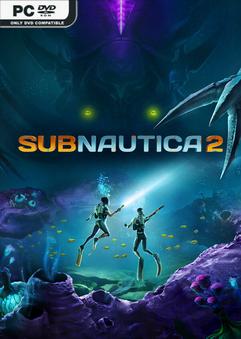
0xdeadcode – ONE FTP LINK – TORRENT
Driven from your home by ongoing conflict, Alterra offers you the chance at a new life….
ABOUT THE GAME
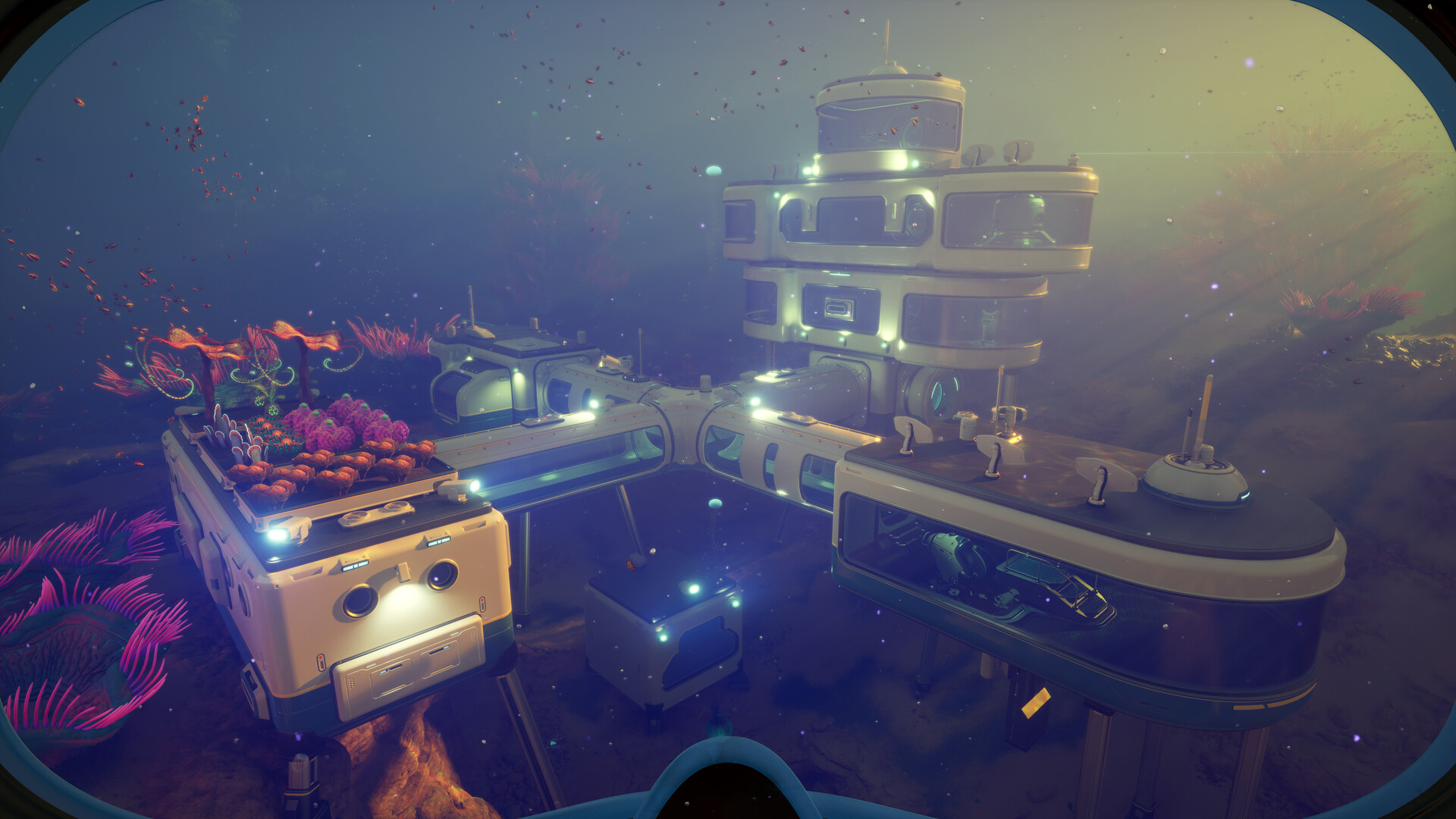
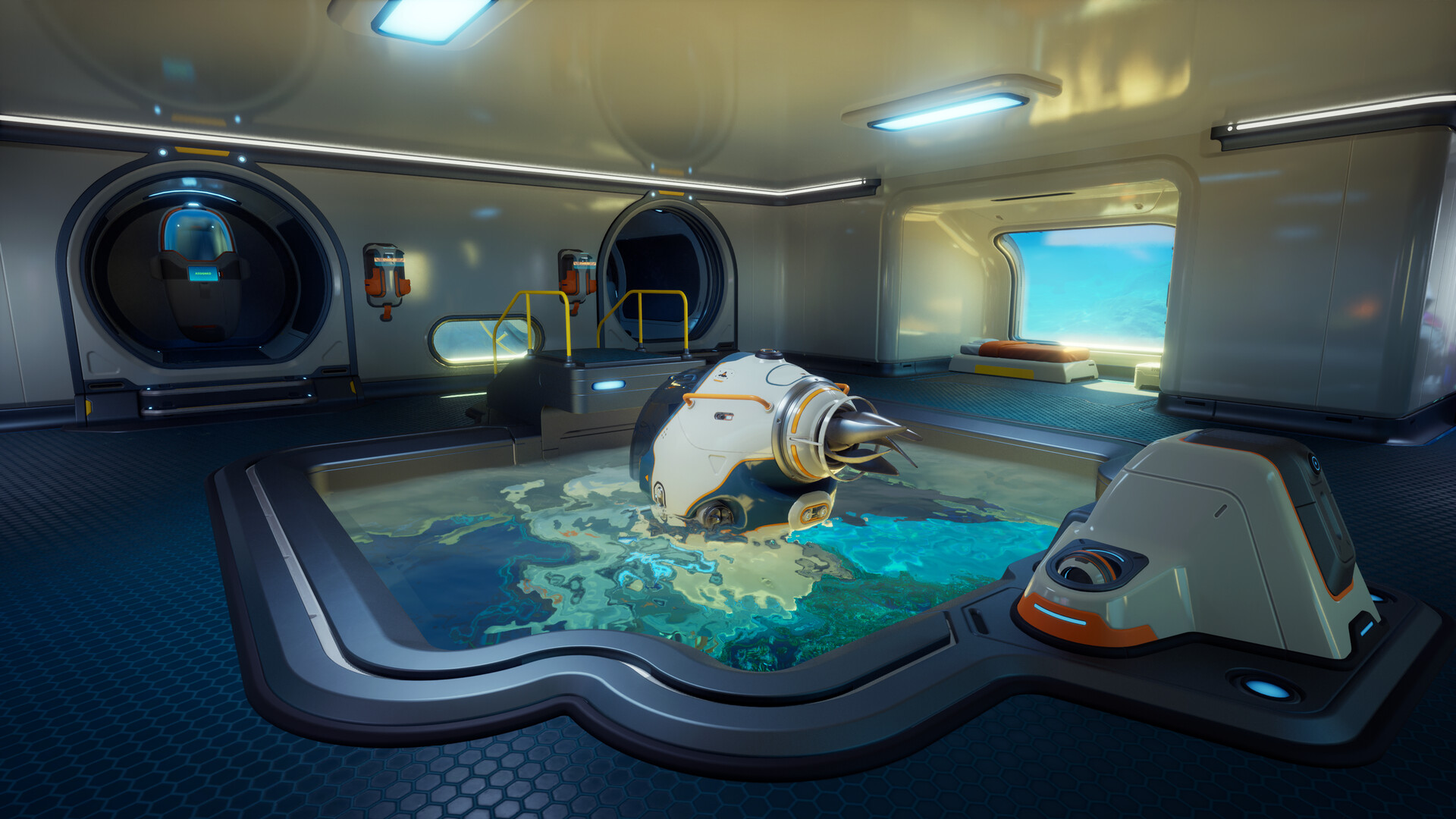
Driven from your home by ongoing conflict, Alterra offers you the chance at a new life. But as the colony ship CICADA shepherds you and your fellow Pioneers to your new home, something goes awry. The ship’s AI insists that your mission should continue. Stranded and faced with near-insurmountable odds, you must do everything in your power to survive. The future of humanity on this world is in your hands.
Title: Subnautica 2
Genre: Action, Adventure, Early Access
Release Date: 14 May, 2026
Support the software developers. BUY IT!
• https://store.steampowered.com/app/1962700/Subnautica_2/
1- Launch Steam
2- Run the game
3- Enjoy
Subnautica 2 v0.10.0.113109-0xdeadcode
Size: 14 GB
——————————-
Enjoy
-
MINIMUM:
- OS: Windows 10/11
- Processor: Intel Core i5-8400 / AMD Ryzen 5 2600
- Memory: 12 GB RAM
- Graphics: GeForce GTX 1660 6GB / RX 5500 XT 6GB
- DirectX: Version 12
- Network: Broadband Internet connection
- Storage: 50 GB available space
- Additional Notes: Requires a 64-bit processor and operating system
1. Extract
2. Play!



Launched steam than ran the game and i got “Failed to get Online interface”? Did i do something wrong?
“Failed to get OnlineFix interface”? Did i do something wrong?
Windows Security -> Virus And Threat Protection -> You will see that something was quarantined, all you need to do is Restore it then launch the game
It a virus!!!
Oui comme tout autre online fix… et perso il marche normalement quand on c’est faire…
Si tu sais ce que tu fais, peux-tu nous le partager ? S’il te plaît, sois utile au lieu de frimer
Tu sais peut-être le faire fonctionner mais tu pourrais expliquer ??
Ce genre de com n’aide pas. Et évite de confondre savoir et être, ça craint de ouf ! SAIT faire !
Vous allez dans votre protection antivirus , vous faites : ” Historique de protection ( petite ligne en bleu dans menaces actuelles” Vous aller voir 2 éléments que votre antivirus a delete. vous faites ” action , et activer ou réinstaller, remettre ou quelque chose dans le style”
Si jamais vous faites en sorte que l’antivirus n’engage pas d’action contre , si vous relancer ca vous fait la même choses , Re dézipper le jeu de nouveau, en théorie l’antivirus ne devrait plus rien faire contre.
Et normalement tout est bon !
Fix for Linux/Proton users:
The RUNE steam emulator crashes on Linux. Replace it with Goldberg (gbe_fork):
1. Download latest gbe_fork from https://github.com/Detanup01/gbe_fork/releases
2. Extract, go to regular/x64/
3. Replace Engine/Binaries/ThirdParty/Steamworks/Steamv157/Win64/steam_api64.dll with Goldberg’s
4. Create folder steam_settings next to the dll, add:
– steam_appid.txt containing 1962700
– steam_interfaces.txt with the interfaces from steam_emu.ini
5. Also put steam_appid.txt at game root
6. Use Proton Experimental or Proton Hotfix
7. Launch options: VKD3D_DISABLE_EXTENSIONS=VK_EXT_mesh_shader,VK_NV_raw_access_chains %command% -slnodlssg -slnoreflex -NoSplash
Tested on Ubuntu, NVIDIA RTX 4070 Ti Super, driver 580.142, Proton Experimental.
linux is garbage use windows
You legit like MicroSlop OS? Yikes :E
Where did you get the steam_emu.ini ?
coop ?
linux is garbage use windows
any torrent links ?
It’s false positive guys, remember 0xdeadcode only release online fix so you can play MP using cracked games.
that why his online64… or his dll files many time got detected as false positive.
Otherwhise play offline with normal crack or buy the game
Trojan:Win32/Malgent
file: …\01_OnlyFans_Full_DB_drive.google.com %r%rOpen Google Drive%r%r%r%b%0.reg
Trojan:Win64/Tedy!MTB
file: …\Subnautica.2.v0.10.0.113109-0xdeadcode\Subnautica.2.v0.10.0.113109-0xdeadcode\Subnautica2\Binaries\Win64\OnlineFix64.dll
Trojan:Win32/Malgent
file: …\Subnautica.2.v0.10.0.113109-0xdeadcode\Subnautica.2.v0.10.0.113109-0xdeadcode\Subnautica2\Binaries\Win64\winmm.dll
Mirror: Gofile
thanks for the online fix. but how do we get others to join our Hosted games for co-op
i have the “Failed to get Online interface” too and it-s nothing quarantined, how to solve this?
Caution !
My antivirus software is detecting a Trojan.
Hi guys,
Hope you’re all well.
As kyzed asked, any torrent links please? My family is amphibian and we need a house asap.
Kind Regards,
Fish Guy
getting virus alert. is it a false pos??
C:\games\Subnautica.2\Subnautica.2.v0.10.0.113109-0xdeadcode\Subnautica2\Binaries\Win64\winmm.dll