


StarRupture v0.2.0 Early Access
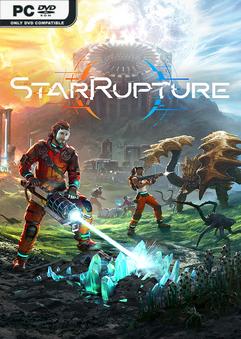
EARLY ACCESS – ONE FTP LINK – TORRENT
Explore a mysterious planet in an ever-changing open world torn by recurring cataclysms….
ABOUT THE GAME
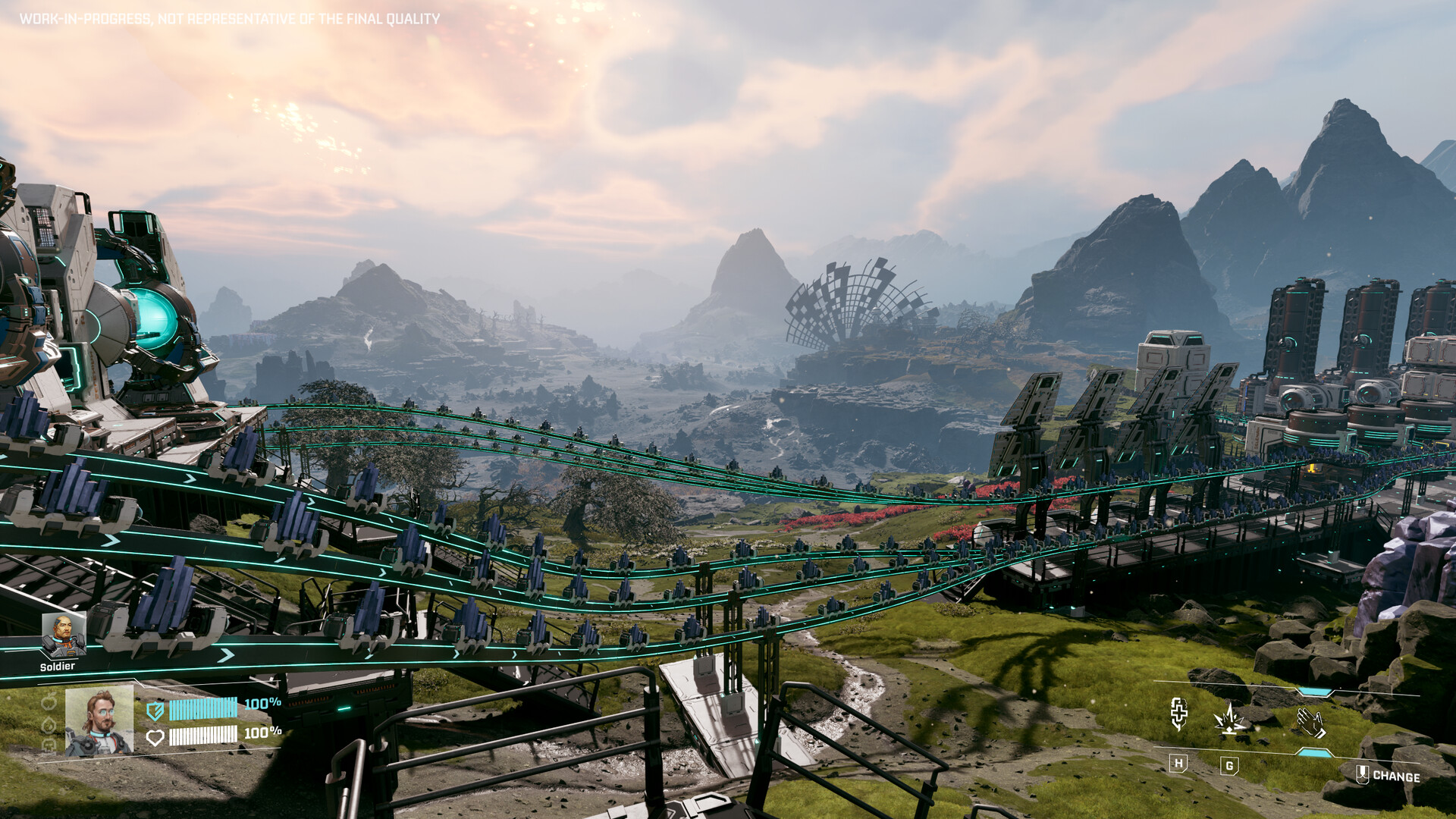
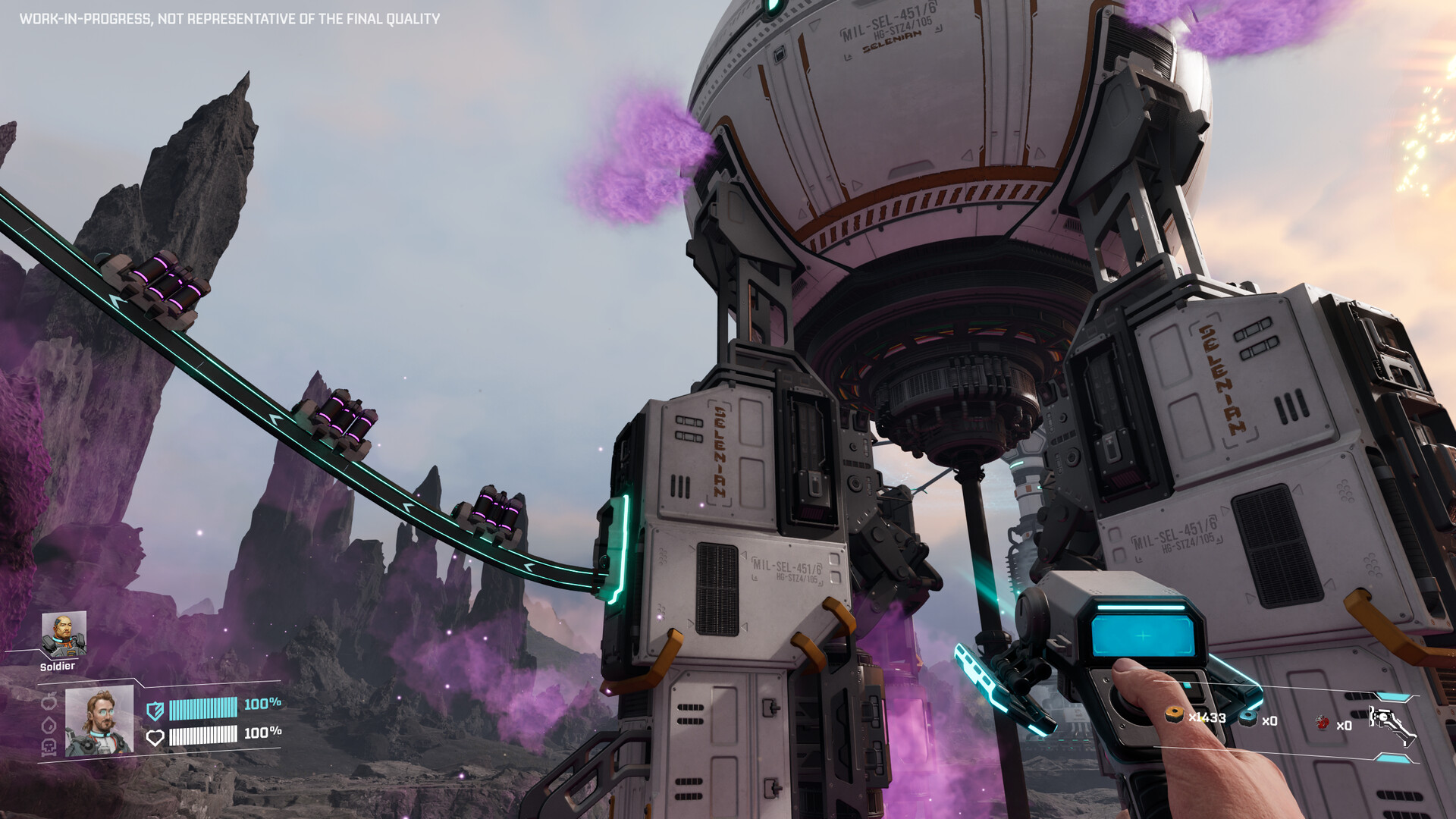
Explore a mysterious planet in an ever-changing open world torn by recurring cataclysms. Build a complex industrial system to extract resources, produce goods and expand your base. Fight against hordes of alien monsters to defend your base and survive, alone or with friends.
Title: StarRupture
Genre: Action, Adventure, Indie, Simulation, Early Access
Release Date: 6 Jan, 2026
Support the software developers. BUY IT!
• https://store.steampowered.com/app/1631270/StarRupture/
StarRupture v0.2.0 Early Access
Size: 11 GB
——————————-
Uploading.........
StarRupture.v0.2.0.Early.Access.rar
StarRupture.v0.2.0.Early.Access.rar
StarRupture.v0.2.0.Early.Access.rar
StarRupture.v0.2.0.Early.Access.rar
StarRupture.v0.2.0.Early.Access.rar
StarRupture.v0.2.0.Early.Access.rar
StarRupture.v0.2.0.Early.Access.rar
StarRupture.v0.2.0.Early.Access.Torrent
StarRupture.v0.2.0.Early.Access.Torrent
StarRupture.v0.2.0.Early.Access.Torrent
StarRupture.v0.2.0.Early.Access.Torrent
StarRupture.v0.2.0.Early.Access.Torrent
Enjoy
-
MINIMUM:
- Requires a 64-bit processor and operating system
- OS: Windows 10 or later (64-Bit)
- Processor: Intel Core i5-8400 / AMD Ryzen 5 2600
- Memory: 16 GB RAM
- Graphics: NVIDIA GeForce GTX 1060 (6 GB VRAM) / AMD Radeon RX 580 (8 GB VRAM)
- DirectX: Version 12
- Storage: 45 GB available space
- Additional Notes: SSD required. Internet connection required for multiplayer.
StarRupture v0.2.0 Early Access
1. Extract
2. Play!
1. Extract
2. Play!

Posted by



Any Idea where does this version save its savegames?
C:\Users\Public\Documents\Steam\RUNE
Is there any way the auto save game can be fixed. It was fixed before when there was an issue with the game not saving.. The icon pops up on my screen in game as if it’s saving but no save file is listed in the load screen. If this can be fixed please do. If not well..
The game does save, but they do not show up, as the file name is saved with double backslash in the filemappings.ini file.
Does anyone know if Coop is hiring? Has anyone tried applying there?