


Star Wars Battlefront II Celebration Edition-Repack
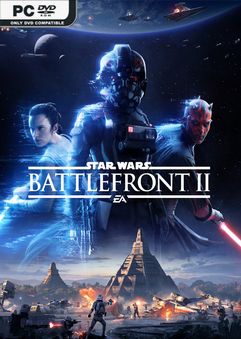
REPACK – ONE FTP LINK – TORRENT
Customise and upgrade your heroes, starfighters or troopers each with unique….
ABOUT THE GAME
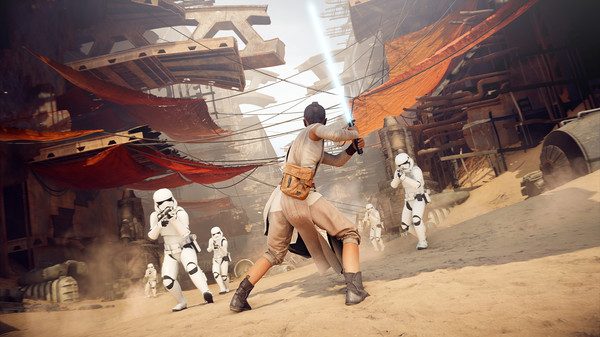
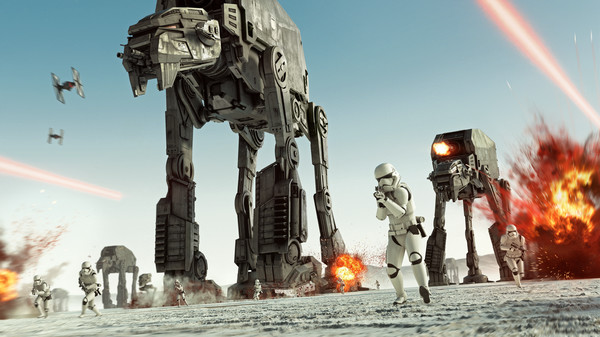
Customise and upgrade your heroes, starfighters or troopers – each with unique abilities to exploit in battle. Ride tauntauns or take control of tanks and speeders. Use the Force to prove your worth against iconic characters like Kylo Ren, Darth Maul or Han Solo, as you play a part in a gaming experience inspired by forty years of timeless Star Wars™ films.
Title: STAR WARS Battlefront II Celebration Edition
Genre: Action
Release Date: 26 May, 2017
Support the software developers. BUY IT!
• https://store.steampowered.com/app/1237950/STAR_WARS_Battlefront_II/
STAR WARS Battlefront II Celebration Edition-Repack
Size: 61 GB
——————————-
Enjoy
MINIMUM REQUIREMENTS
OS: 64-bit Windows 7 SP1/Windows 8.1/Windows 10
Processor (AMD): AMD FX 6350
Processor (Intel): Intel Core i5 6600K
Memory: 8GB RAM
Graphics card (AMD): AMD Radeon™ HD 7850 2GB
Graphics card (NVIDIA): NVIDIA GeForce® GTX 660 2GB
DirectX: 11 Compatible video card or equivalent
Online Connection Requirements: 512 KBPS or faster Internet connection
Hard-drive space: 60GB
1. Extract
2. Install
3. Play



Best Game Ever ♥️
not working windows 11 25H2
Crack for Windows 25H2:
https://drive.google.com/file/d/1QNGKTevv4cyuoIZWgz_cLXKmrg7Q11Eh/view
Changing the Language in STAR WARS Battlefront II Celebration Edition
Supported Languages:
// en_US,fr_FR,de_DE,es_ES,it_IT,ru_RU,pl_PL,ja_JP,zh_TW,pt_BR,es_MX
1. In the game folder, open the anadius.cfg file and change the line en_US to your preferred language from the list above:
“Language” “en_US”
2. Create a “.reg” file… e.g., language.reg, with the following lines and replace en_US with your language.
A – Paste these lines into your .reg file:
Windows Registry Editor version 5.00
[HKEY_LOCAL_MACHINE\SOFTWARE\WOW6432Node\EA Games\STAR WARS Battlefront II]
“Locale”=”en_US”
[HKEY_LOCAL_MACHINE\SOFTWARE\WOW6432Node\Wow6432Node\EA Games\STAR WARS Battlefront II]
“Locale”=”en_US”
B – Save the file and then run it by double-clicking on it. Confirm the dialog boxes with OK.
3 – Create a system variable in your Windows…
A – START MENU… TYPE ‘ENV’… CHOOSE ‘EDIT ENVIRONMENT VARIABLES FOR SYSTEM’
B – IN ‘EDIT SYSTEM VARIABLES’… NEW…
VARIABLE NAME: EAGameLocale
VARIABLE VALUE: en_US
C – RESTART YOUR COMPUTER
How do I change the game language please? I started the game and the language is in Spanish.
Arcade Games GOD!