


Soulmask-RUNE
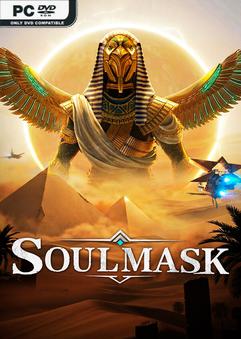
RUNE – ONE FTP LINK – TORRENT
Don the Ancient Mask. Wield the power of gods. Possess any of your tribespeople….
ABOUT THE GAME
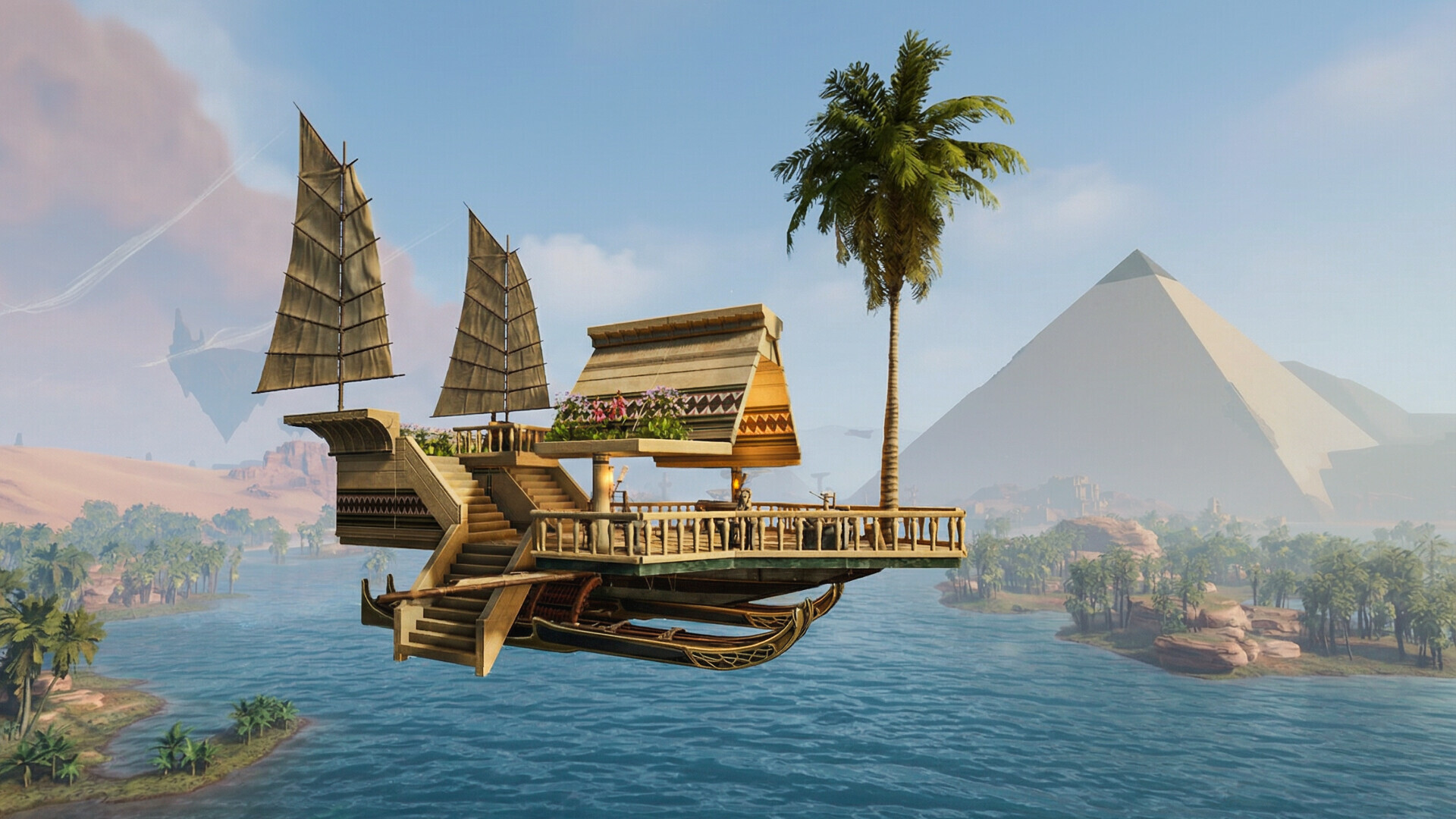
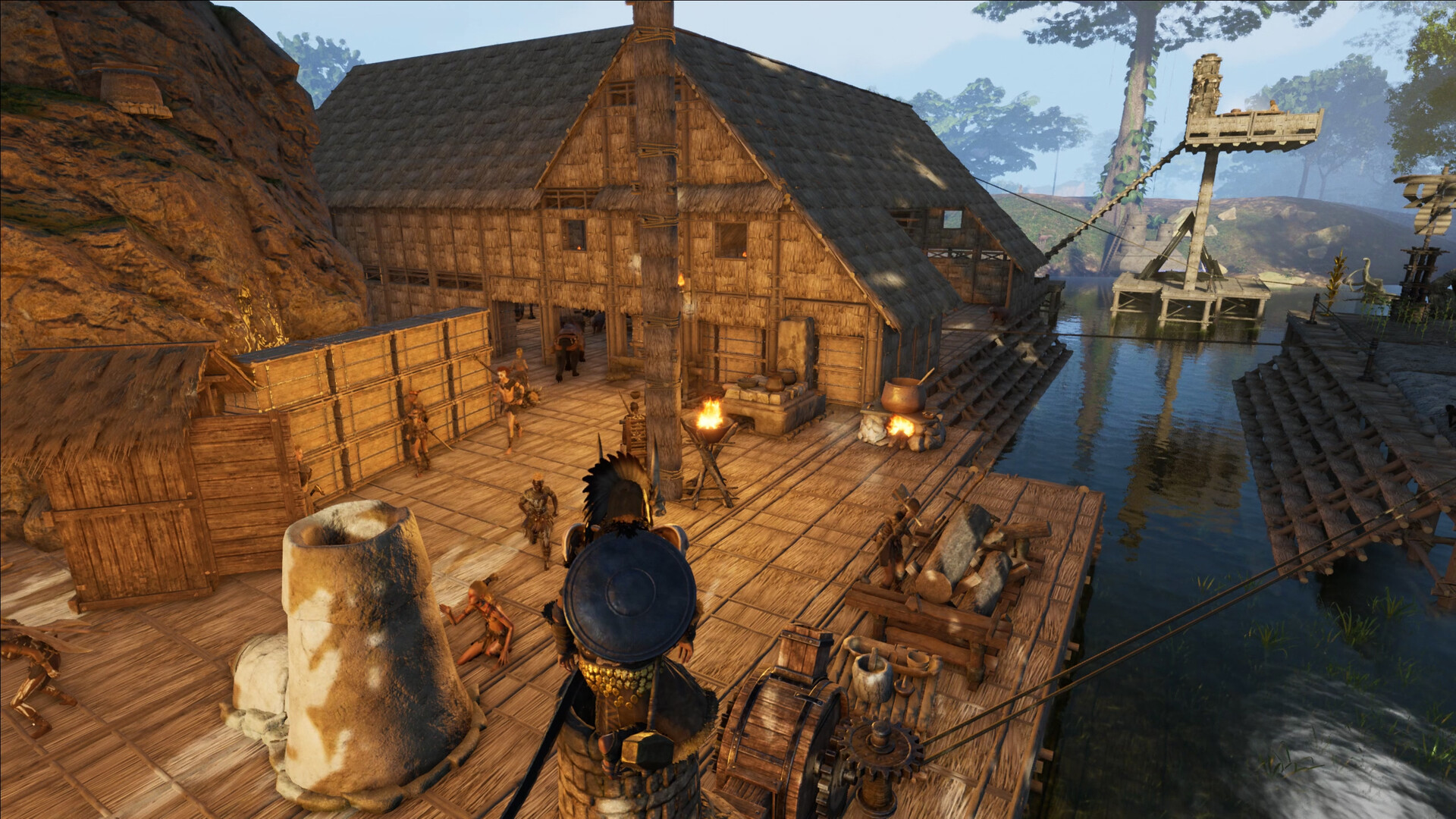
Don the Ancient Mask. Wield the power of gods. Possess any of your tribespeople, recruit followers, and build a thriving automated civilization. Survive, expand, and forge your own legacy across a vast ancient open world — together with friends.
Title: Soulmask
Genre: Adventure, Indie, RPG, Simulation
Release Date: 9 Apr, 2026
Support the software developers. BUY IT!
• https://store.steampowered.com/app/2646460/Soulmask/
Soulmask-RUNE
Size: 22.3 GB
——————————-
Uploading.........
Soulmask-RUNE.iso
Soulmask-RUNE.iso
Soulmask-RUNE.iso
Soulmask-RUNE.iso
Soulmask-RUNE.iso
Soulmask-RUNE.iso
Soulmask-RUNE.iso
Soulmask-RUNE.iso
Soulmask-RUNE.iso
Soulmask-RUNE.iso
Soulmask-RUNE.iso
Soulmask-RUNE.Torrent
Soulmask-RUNE.Torrent
Soulmask-RUNE.Torrent
Soulmask-RUNE.Torrent
Soulmask-RUNE.Torrent
Enjoy
-
MINIMUM:
- Requires a 64-bit processor and operating system
- OS: 64bit -win10
- Processor: Intel Core i5-8400 / AMD Ryzen 3 3300X
- Memory: 16 GB RAM
- Graphics: GTX 970 4GB / AMD RX 580 4GB
- DirectX: Version 12
- Network: Broadband Internet connection
- Storage: 25 GB available space
- Sound Card: on board
- Additional Notes: SSD(preferred)
Soulmask-RUNE
1. Extract
2. Play!
1. Extract
2. Play!

Posted by



Thanks
Gives a launch through platform store error when I launch the game
thaks so muh
Thx
Thank you !
Doesn’t work , keeps saying to launch game through platform store. Yes i applied the crack.
Same here!
The game does not start
Is The Winged Dragon of Ra in this game
If you install v1.0 and you don’t have the _Launcher file just create it in the main directory (samel as WS.exe).
Create a txt file, change it to .bat and add the following:
@echo off
start “” “WS.exe” StartMenu -game -StableNullID -online=Steam -d3d11
exit
After adding the above save and run the .bat file (Name it _Launcher.bat) and it should work fine.
Did that and it gives error that it can’t find a file (Random symbols, can’t even write them, guessing it is in different language that don’t show proper on my system)
Copied manually files from RUNE folder as well
If I launch the game through WS.exe it still gives the error to launch it from store and if I use the launcher it can’t find the file it needs
If it gives those strange symbols, redo the double quotation marks in the .bat file. They are what is causing the issue
Thanks! Works 100%. The only thing I did was tick the “Copy contents of the crack folder” in installation.
Everything works.
You just need to manually drag the SteamWorks folder from the Rune folder to Engine\Binaries\Third Party. After I did this, everything worked.
I followed the two steps mentioned above, and now the game launches. However, I’m having a problem during the loading screen; a message appears telling me not to launch the game normally, and then the game closes. Does anyone have a solution, please?
@Name drag the folder where?
Ok, I’m dumb u need to start this game from shortcut on your desktop after that it working for me.
If game give you error “getting an error when launching it. says initialization failed please do not launch the game directly.”
i assume you didnt read the RUNE nfo from their release, this game must have a cmdline(which is also listed on steamdb):
Here is NFO:
NOTES: Use the desktop shortcut created by our installer to play
the game or use the cmdline listed below if you create your own.
StartMenu -game -StableNullID -online=Steam -d3d12 -nosoulmasksession
@Name Nevermind i found it. Thank you now it works. For those that didn’t get it, the Rune file is located in the mount file. Open it and copy the Engine whole file. Then just paste it in your Soulmask file and overwrite the other engine file.
By the way, mods work too. Add “-fileopenlog” to the WS.EXE file properties, and nudity mods (those in WS\Content\Paks\~mods) will work.
===============================================================
Soulmask – RUNE
===============================================================
Rapidgator: https://www.filecrypt.cc/Container/97F553CAF7.html
ddownload: https://www.filecrypt.cc/Container/E74994FC1C.html
bonsoir moi sa veut toujour pas lancer le jeux