


Slay the Spire 2 Build 22722129

BUILD 22722129 – ONE FTP LINK – TORRENT
Step into the newly evolved Spire, a twisted labyrinth teeming with strange and….
ABOUT THE GAME
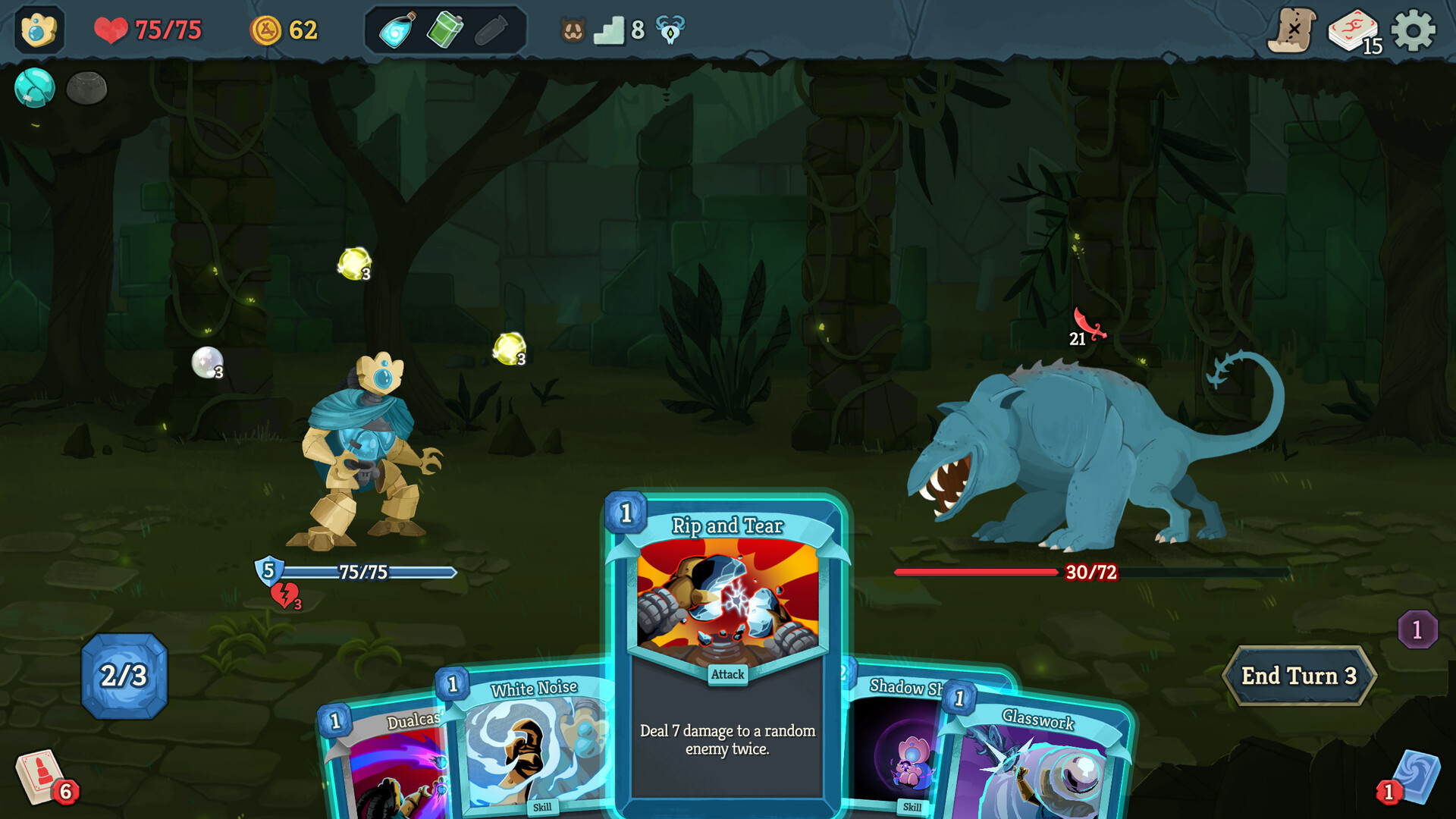
Step into the newly evolved Spire, a twisted labyrinth teeming with strange and deadly foes. Adapt to an arsenal of brand new cards, relics, and potions, each offering game-changing possibilities—or dangerous consequences. Climb the Spire with a new and returning cast of characters, each with their own cards, motives, and secrets. No two climbs are ever the same. Unpredictable challenges and evolving strategies await those brave—or foolish—enough to ascend.
Title: Slay the Spire 2
Genre: Indie, Strategy, Early Access
Release Date: 5 Mar, 2026
Support the software developers. BUY IT!
• https://store.steampowered.com/app/2868840/Slay_the_Spire_2/
Slay the Spire 2 Build 22722129
Size: 1.1 GB
——————————-
Enjoy
-
MINIMUM:
- Requires a 64-bit processor and operating system
- OS: Windows 10 (64-bit)
- Processor: Dual-core 2.0 GHz
- Memory: 4 GB RAM
- Graphics: DirectX 12 or Vulkan compatible, 1 GB VRAM
- Storage: 4 GB available space

1. Extract
2. Play!



Where is the save folder?
hello 🙂 you need to go to c:\users\(the name of your pc in here)\appdata\roaming\slaythespire2\steam\ some numbers. backup them and check the time-date so you know which one is the new one and which one is the old one.
the thing is its a process. you have to copy paste from a non number 1 profile. like start a new game in the new version, then copy paste the profile you have into number 2 or 3 on the new update, then start the game in the new one selecting the profile you copied into (2 or 3). it will say 0, but then it will be your file. then you copy steam_settings which is in the game folder where you put it. inside data_sts2_windows_x86_64. i hope it helps. backup everything 🙂