


Persona 3 Reload HYPERVISOR-P2P

P2P – ONE FTP LINK – TORRENT
Dive into the Dark Hour and awaken the depths of your heart. Persona 3 Reload….
ABOUT THE GAME
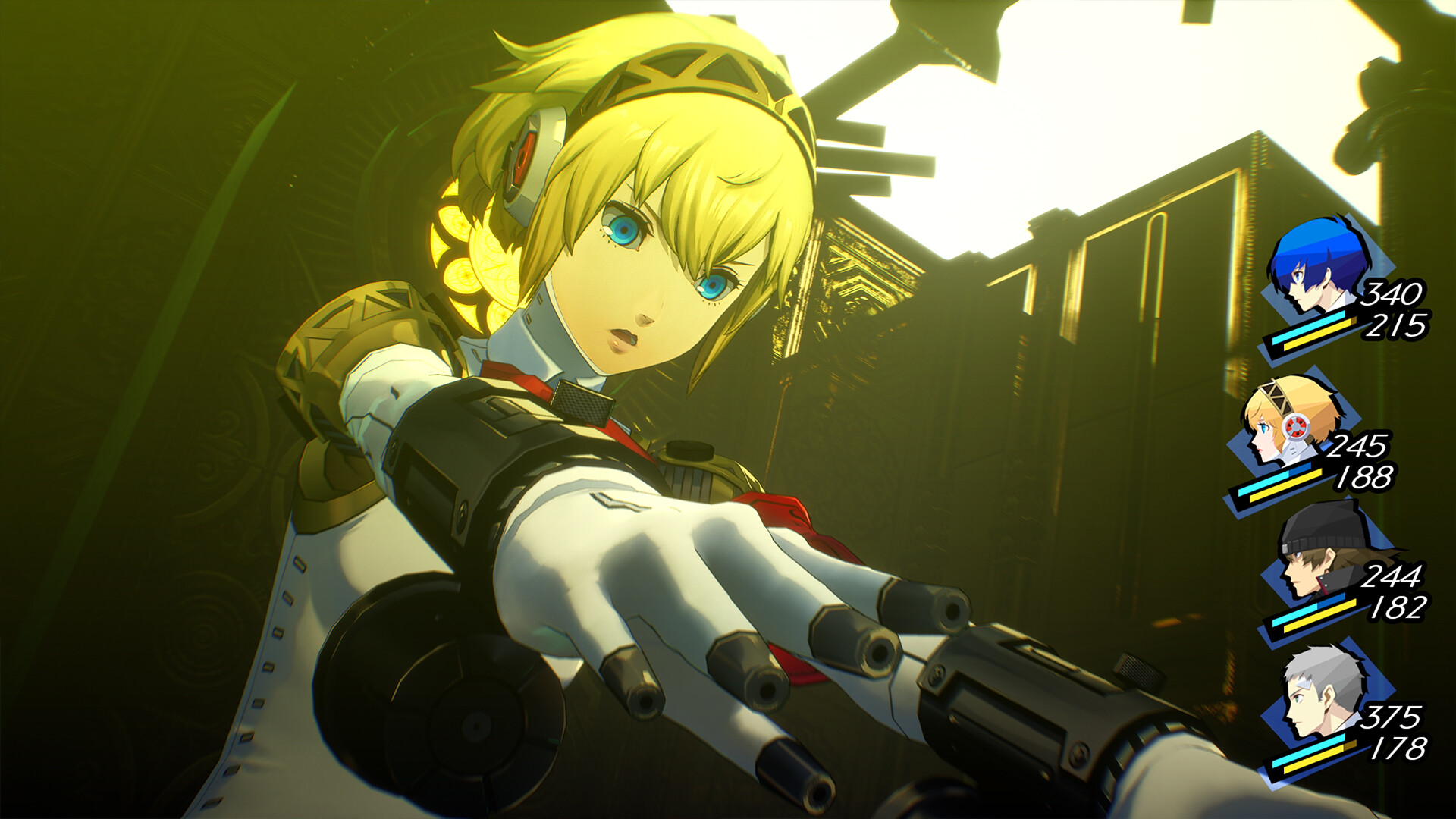
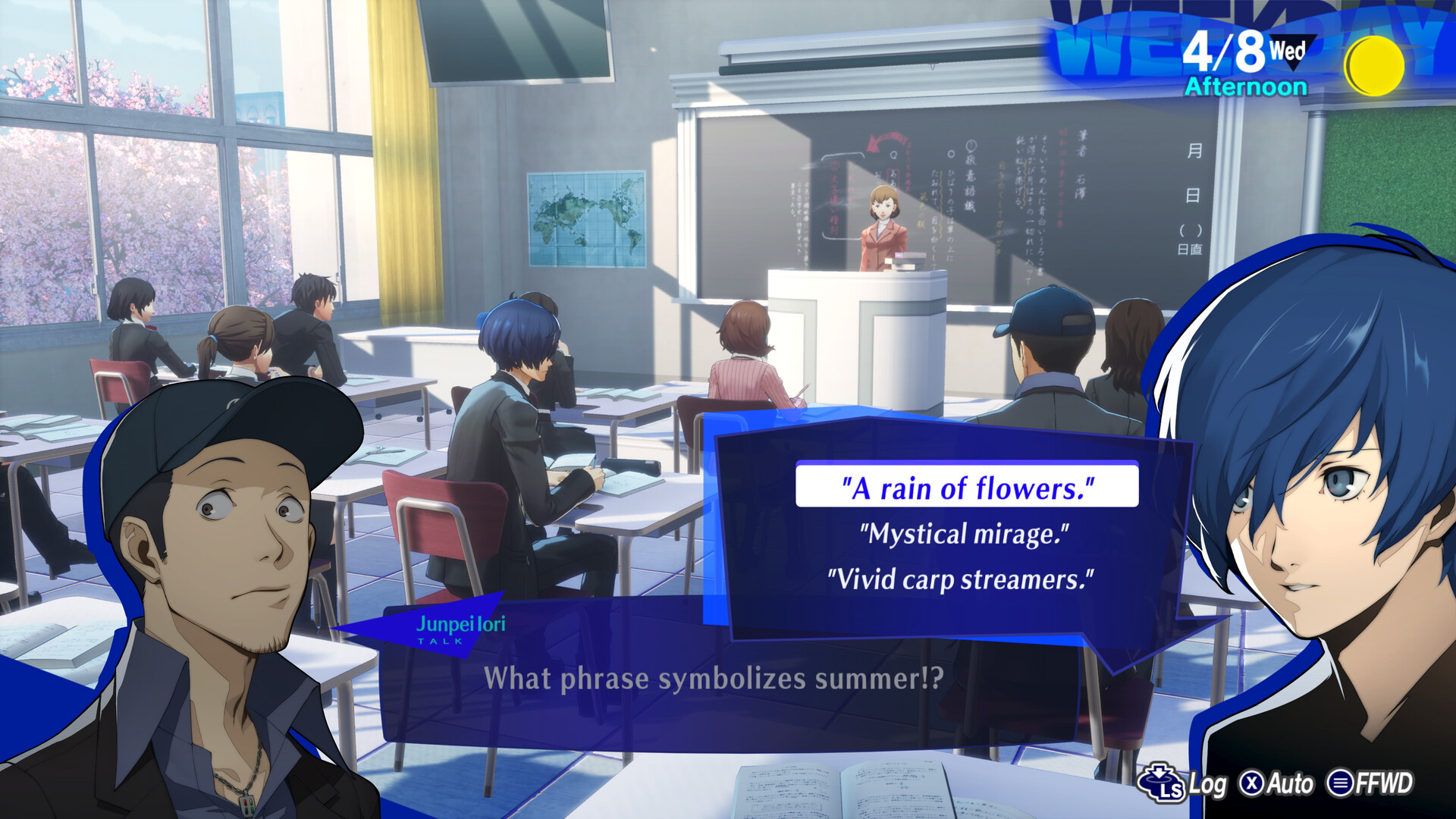
Dive into the Dark Hour and awaken the depths of your heart. Persona 3 Reload is a captivating reimagining of the genre-defining RPG, reborn for the modern era with cutting-edge graphics and gameplay.
Title: Persona 3 Reload
Genre: Adventure, RPG, Strategy
Release Date: 1 Feb, 2024
Support the software developers. BUY IT!
• https://store.steampowered.com/app/2161700/Persona_3_Reload/
How To Play [HYPERVISOR]:
1- Download the archive Persona.3.Reload.HYPERVISOR.UPDATE-REFLEX
2- Prepare the system to run games using a hypervisor:
⟶ Reboot and enter the BIOS, disable Secure Boot as well as virtualization (VT-x on
Intel, SVM or AMD-V on AMD).
⟶ Boot into the system.
⟶ Run Command Prompt as administrator and enter: bcdedit /set testsigning on
(after reboot, a “test mode” message or similar will appear in the bottom-right of
the desktop—this is normal).
⟶ Run Command Prompt as administrator again and enter:
bcdedit /set hypervisorlaunchtype off
⟶ That’s basically it—the system preparation for running games with this kind of bypass
is complete (this is done once).
4- Inside the downloaded archive, choose the folder for your processor
(AMD CPU or INTEL CPU) and copy its contents into the game folder.
5- Run Command Prompt as administrator and enter the command:
sc create denuvo type=kernel start=demand binPath=C:\Drivers\SimpleSvm.sys
(make sure to specify your own path to SimpleSvm.sys (for AMD) or hyperkd.sys
(for Intel). These files will be located at b1\Binaries\Win64).
6- In the same Command Prompt, enter the command: sc start denuvo
(after finishing the game, you can enter sc stop denuvo in Command Prompt to
stop the service).
7- Launch the game using PR3.exe
NOTES:
• We do not advise using this HYPERVISOR method, as it requires disabling certain
security features.
• Use it at your own risk, or wait for a proper release from voice38/RUNE.
• If, after preparing the system, the game still doesn’t launch, the following may help:
Run the command prompt as administrator and enter the command:
bcdedit.exe /set nointegritychecks on
• Disable NX Mode in the BIOS (if your BIOS has this option).
• Also, according to comments from other sources, it became clear that for some people
the game does not start if there is any software installed in the system for using
virtual machines, such as VirtualBox, etc.
1- Download the archive Persona.3.Reload.HYPERVISOR.UPDATE-REFLEX
2- Prepare the system to run games using a hypervisor:
⟶ Reboot and enter the BIOS, disable Secure Boot as well as virtualization (VT-x on
Intel, SVM or AMD-V on AMD).
⟶ Boot into the system.
⟶ Run Command Prompt as administrator and enter: bcdedit /set testsigning on
(after reboot, a “test mode” message or similar will appear in the bottom-right of
the desktop—this is normal).
⟶ Run Command Prompt as administrator again and enter:
bcdedit /set hypervisorlaunchtype off
⟶ That’s basically it—the system preparation for running games with this kind of bypass
is complete (this is done once).
4- Inside the downloaded archive, choose the folder for your processor
(AMD CPU or INTEL CPU) and copy its contents into the game folder.
5- Run Command Prompt as administrator and enter the command:
sc create denuvo type=kernel start=demand binPath=C:\Drivers\SimpleSvm.sys
(make sure to specify your own path to SimpleSvm.sys (for AMD) or hyperkd.sys
(for Intel). These files will be located at b1\Binaries\Win64).
6- In the same Command Prompt, enter the command: sc start denuvo
(after finishing the game, you can enter sc stop denuvo in Command Prompt to
stop the service).
7- Launch the game using PR3.exe
NOTES:
• We do not advise using this HYPERVISOR method, as it requires disabling certain
security features.
• Use it at your own risk, or wait for a proper release from voice38/RUNE.
• If, after preparing the system, the game still doesn’t launch, the following may help:
Run the command prompt as administrator and enter the command:
bcdedit.exe /set nointegritychecks on
• Disable NX Mode in the BIOS (if your BIOS has this option).
• Also, according to comments from other sources, it became clear that for some people
the game does not start if there is any software installed in the system for using
virtual machines, such as VirtualBox, etc.
Persona.3.Reload.HYPERVISOR.UPDATE-REFLEX { Download | Download | Download | Download | Download | Download }
Persona 3 Reload HYPERVISOR-P2P
Size: 18 GB
——————————-
Uploading.........
Uploading.........
Uploading.........
Uploading.........
Uploading.........
Uploading.........
Uploading.........
Uploading.........
Uploading.........
Uploading.........
Persona.3.Reload.HYPERVISOR-P2P.Torrent
Persona.3.Reload.HYPERVISOR-P2P.Torrent
Persona.3.Reload.HYPERVISOR-P2P.Torrent
Persona.3.Reload.HYPERVISOR-P2P.Torrent
Persona.3.Reload.HYPERVISOR-P2P.Torrent
Enjoy
-
MINIMUM:
- Requires a 64-bit processor and operating system
- OS: Windows 10
- Processor: Intel Core i5-2300, AMD FX-4350
- Memory: 8 GB RAM
- Graphics: NVIDIA GeForce GTX 650 Ti, 2 GB; AMD Radeon HD 7850, 2 GB
- DirectX: Version 12
- Storage: 30 GB available space
- Additional Notes: Performance Target: 720p, low graphics settings, @ 30 FPS. Microsoft no longer supports Windows 10 or older versions.
Persona 3 Reload HYPERVISOR-P2P
1. Extract
2. Play!
1. Extract
2. Play!

Posted by



NOOO it’s a “bypass”
Thank you so much!
i tried to start the denuvo service but it shows error that hypervisor is not for user something like that I have wsl installed . and bcd edit hypervisor launchtype off does not work systeminfo tool also says that hypervisor is running , if I haven’t disabled the virtualisation in bios and it still shows this error even if the virtualisation is off.
it worked , you don’t have to disable virtualisation in bios instead you have to disable vbs in windows if not automatically disabled when hypervisor launch type is off delete the vbs file and then restart then the virtualisation will turned off ,now you can run your denuvo service and play the game , vbs will be automatically generated if you revert the changes of windows defender and hypervisorlaunchtype auto
Bro where is location of VBS file you Mention is ?
Bro where is location of VBS file you Mention is ?