


Jurassic World Evolution 3 HYPERVISOR-P2P

P2P – ONE FTP LINK – TORRENT
Build your own Jurassic World. Nurture generations of dinosaurs with….
ABOUT THE GAME
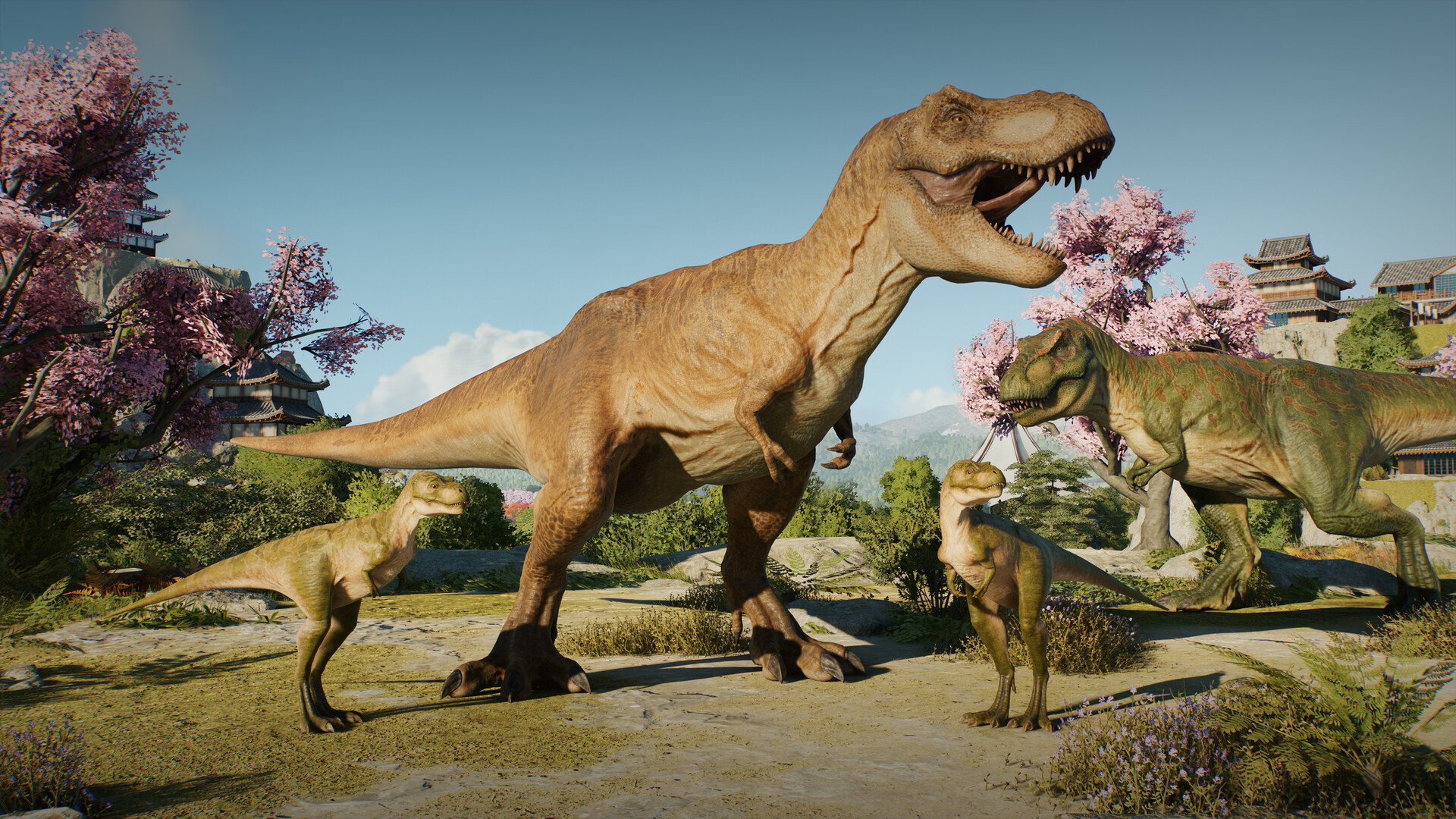
Build your own Jurassic World. Nurture generations of dinosaurs with the series debut of juveniles, create and manage sprawling prehistoric parks around the globe, and let your imagination roar with powerful new creative options.
Title: Jurassic World Evolution 3
Genre: Simulation, Strategy
Release Date: 21 Oct, 2025
Support the software developers. BUY IT!
• https://store.steampowered.com/app/2958130/Jurassic_World_Evolution_3/
Included DLC:
• Jurassic World Evolution 3: Badlands Set
• Jurassic World Evolution 3: Deluxe Upgrade Pack
• Jurassic World Evolution 3: Wetlands
How To Play [HYPERVISOR]:
1- Download the archive JWE3.HYPERVISOR-REFLEX.BETA1
2- Prepare the system to run games using a hypervisor:
⟶ Reboot and enter the BIOS, disable Secure Boot as well as virtualization (VT-x on
Intel, SVM or AMD-V on AMD).
⟶ Boot into the system.
⟶ Run Command Prompt as administrator and enter: bcdedit /set testsigning on
(after reboot, a “test mode” message or similar will appear in the bottom-right of
the desktop—this is normal).
⟶ Run Command Prompt as administrator again and enter:
bcdedit /set hypervisorlaunchtype off
⟶ That’s basically it—the system preparation for running games with this kind of bypass
is complete (this is done once).
4- From the downloaded archive, copy the contents of the AFOP folder into the game’s
directory.
5- Run the Command Prompt as administrator and enter the command:
sc create denuvo type=kernel start=demand binPath=C:\Drivers\SimpleSvm.sys
(Make sure to specify your own path to the file SimpleSvm.sys (for AMD) or
hyperkd.sys (for Intel). These files are located in the driver_amd and driver_intel
folders respectively.)
6- In the same Command Prompt, enter the command: sc start denuvo
(After finishing the game, you can enter sc stop denuvo in the Command Prompt to
stop the service.)
7- Launch the game using afop.exe or hypervisor-launcher.exe from the main game
directory.
NOTES:
• We do not advise using this HYPERVISOR method, as it requires disabling certain
security features.
• Use it at your own risk, or wait for a proper release from voice38/RUNE.
• If, after preparing the system, the game still doesn’t launch, the following may help:
Run the command prompt as administrator and enter the command:
bcdedit.exe /set nointegritychecks on
• Disable NX Mode in the BIOS (if your BIOS has this option).
• Also, according to comments from other sources, it became clear that for some people
the game does not start if there is any software installed in the system for using
virtual machines, such as VirtualBox, etc.
• Jurassic World Evolution 3: Badlands Set
• Jurassic World Evolution 3: Deluxe Upgrade Pack
• Jurassic World Evolution 3: Wetlands
How To Play [HYPERVISOR]:
1- Download the archive JWE3.HYPERVISOR-REFLEX.BETA1
2- Prepare the system to run games using a hypervisor:
⟶ Reboot and enter the BIOS, disable Secure Boot as well as virtualization (VT-x on
Intel, SVM or AMD-V on AMD).
⟶ Boot into the system.
⟶ Run Command Prompt as administrator and enter: bcdedit /set testsigning on
(after reboot, a “test mode” message or similar will appear in the bottom-right of
the desktop—this is normal).
⟶ Run Command Prompt as administrator again and enter:
bcdedit /set hypervisorlaunchtype off
⟶ That’s basically it—the system preparation for running games with this kind of bypass
is complete (this is done once).
4- From the downloaded archive, copy the contents of the AFOP folder into the game’s
directory.
5- Run the Command Prompt as administrator and enter the command:
sc create denuvo type=kernel start=demand binPath=C:\Drivers\SimpleSvm.sys
(Make sure to specify your own path to the file SimpleSvm.sys (for AMD) or
hyperkd.sys (for Intel). These files are located in the driver_amd and driver_intel
folders respectively.)
6- In the same Command Prompt, enter the command: sc start denuvo
(After finishing the game, you can enter sc stop denuvo in the Command Prompt to
stop the service.)
7- Launch the game using afop.exe or hypervisor-launcher.exe from the main game
directory.
NOTES:
• We do not advise using this HYPERVISOR method, as it requires disabling certain
security features.
• Use it at your own risk, or wait for a proper release from voice38/RUNE.
• If, after preparing the system, the game still doesn’t launch, the following may help:
Run the command prompt as administrator and enter the command:
bcdedit.exe /set nointegritychecks on
• Disable NX Mode in the BIOS (if your BIOS has this option).
• Also, according to comments from other sources, it became clear that for some people
the game does not start if there is any software installed in the system for using
virtual machines, such as VirtualBox, etc.
JWE3.HYPERVISOR-REFLEX.BETA1 { Download | Download | Download | Download | Download | Download }
Jurassic World Evolution 3 HYPERVISOR-P2P
Size: 20 GB
——————————-
Uploading.........
Uploading.........
Uploading.........
Uploading.........
Uploading.........
Uploading.........
Uploading.........
Uploading.........
Uploading.........
Uploading.........
Jurassic.World.Evolution.3.HYPERVISOR-P2P.Torrent
Jurassic.World.Evolution.3.HYPERVISOR-P2P.Torrent
Jurassic.World.Evolution.3.HYPERVISOR-P2P.Torrent
Jurassic.World.Evolution.3.HYPERVISOR-P2P.Torrent
Jurassic.World.Evolution.3.HYPERVISOR-P2P.Torrent
Enjoy
-
MINIMUM:
- Requires a 64-bit processor and operating system
- OS: Windows 10 64bit (min version 22H2)
- Processor: Intel i5-6600K / AMD Ryzen 5 2600
- Memory: 16 GB RAM
- Graphics: NVIDIA GeForce GTX 1060 (6GB VRAM) / AMD Radeon RX 5600XT (6GB VRAM) / Intel Arc A750 (8GB VRAM)
- DirectX: Version 12
- Storage: 25 GB available space
- Additional Notes: SSD Recommended

Jurassic World Evolution 3 HYPERVISOR-P2P
1. Extract
2. Play!
1. Extract
2. Play!

Posted by



ça sens l’ enculade tout ça..
J’étais septique comme toi, j’ai essayé sans grandes convictions pour RE9 est vraiment surpris, tout fonctionne a merveille 😉
je n’ai pas essayé pour celui ci mais honnêtement si RE9 fonctionne ca ne peut que fonctionner…..
Empty files
when i launch the game i got Steam API loading failed idk what to do please help me
one of the thing you could do if you ever followed the HYPERVISOR rules is, reinstall your pc and pray that your data not at pakis