


Dying Light The Beast v1.2.0-P2P

P2P – ONE FTP LINK – TORRENT
You are Kyle Crane, and after years of brutal experiments, you want revenge….
ABOUT THE GAME
You are Kyle Crane, and after years of brutal experiments, you want revenge. Experience a unique blend of open world and survival horror as you hunt down the man who transformed you into half man, half beast.
Title: Dying Light: The Beast
Genre: Action, Adventure, RPG
Release Date: 18 Sep, 2025
Support the software developers. BUY IT!
• https://store.steampowered.com/app/3008130/Dying_Light_The_Beast/
Dying Light The Beast v1.2.0-P2P
Size: 74 GB
——————————-
Uploading.........
Dying.Light.The.Beast.v1.2.0-TENOKE.iso
Dying.Light.The.Beast.v1.2.0-TENOKE.iso
Dying.Light.The.Beast.v1.2.0-TENOKE.iso
Dying.Light.The.Beast.v1.2.0-TENOKE.iso
Dying.Light.The.Beast.v1.2.0-TENOKE.iso
Dying.Light.The.Beast.v1.2.0-TENOKE.iso
Dying.Light.The.Beast.v1.2.0-TENOKE.iso
Dying.Light.The.Beast.v1.2.0-TENOKE.iso
Dying.Light.The.Beast.v1.2.0-P2P.Torrent
Dying.Light.The.Beast.v1.2.0-P2P.Torrent
Dying.Light.The.Beast.v1.2.0-P2P.Torrent
Dying.Light.The.Beast.v1.2.0-P2P.Torrent
Dying.Light.The.Beast.v1.2.0-P2P.Torrent
Enjoy
-
MINIMUM:
- Requires a 64-bit processor and operating system
- OS: Windows 10 or newer
- Processor: Intel i5-13400F / AMD Ryzen 7 5800X
- Memory: 16 GB RAM
- Graphics: NVIDIA GeForce 1060 / AMD Radeon 5500 XT / Intel ARC A750
- Storage: 70 GB available space
- Additional Notes: SSD Required
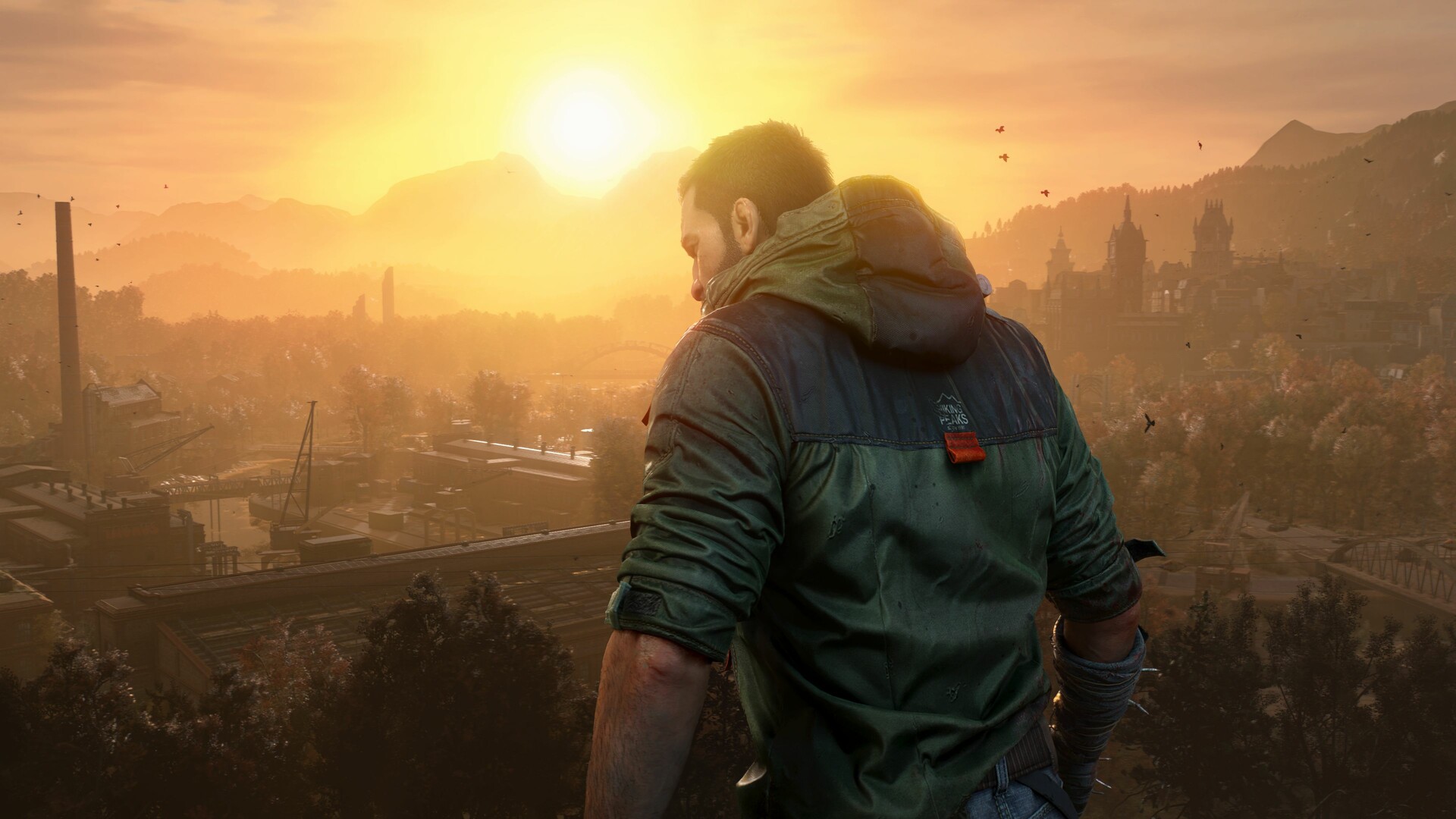
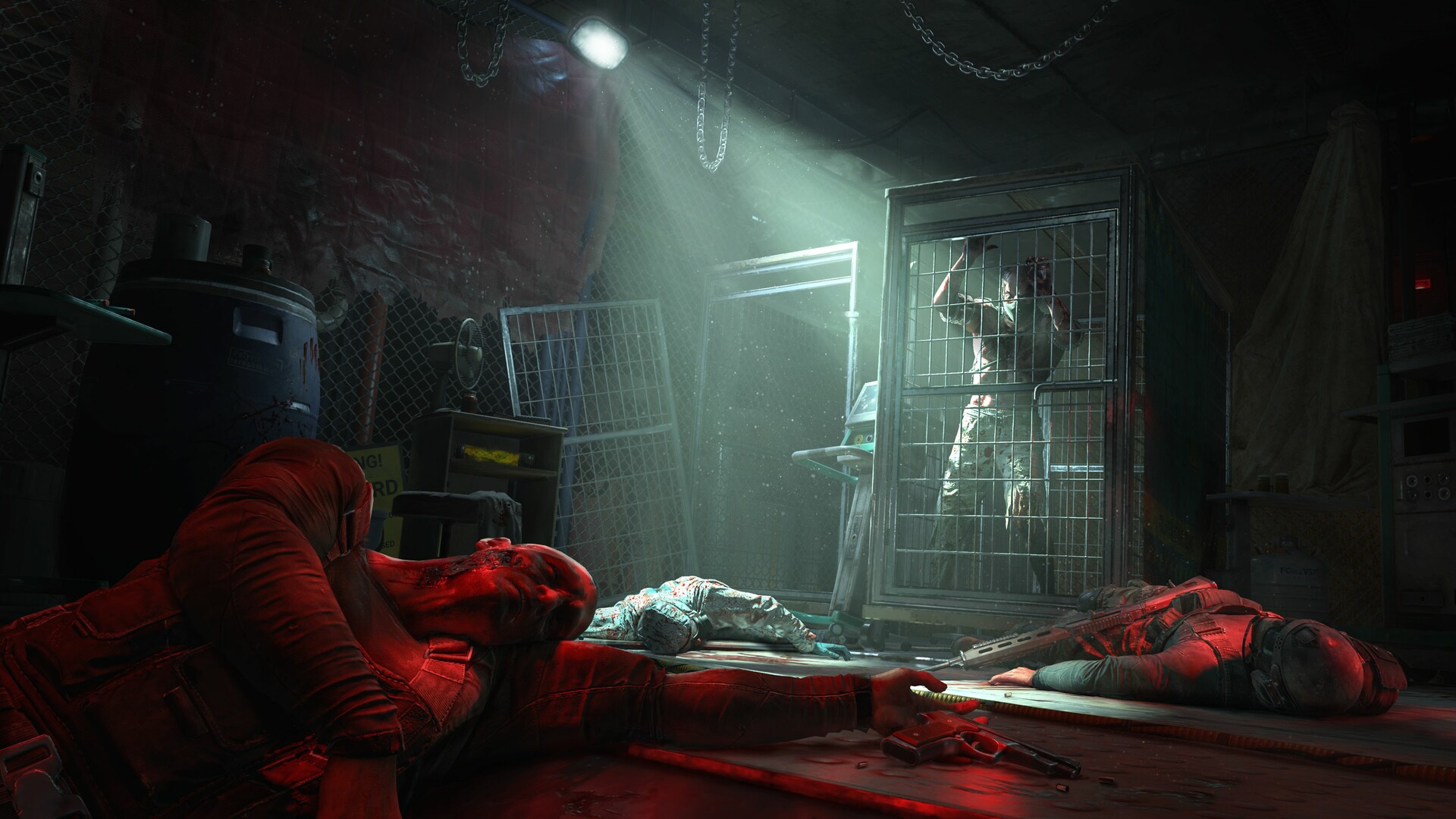
Dying Light The Beast v1.2.0-P2P
1. Extract
2. Play!
1. Extract
2. Play!

Posted by



Thanks
We can pplay coop ?
Of Course not dude
Of course not, don’t be a moron….
If dead0code releases a crack to play online yes, but for the moment no
Yes you can, try to find crack on online-fix
if anyone will use online-fix careful using it, they hacked my gmail a year ago, when they had an option called download throw google drive they asked for a cookie session, it worked and downloaded the fix, but they start doing forget passowrds a three minutes after to my accounts throw that session. so even if there fixes work they are dishonest for using anything they can to get accounts, and they get away with ubisoft account, and half the blame on me obviously for giving a session cookie
Please don’t be a Borderlands 4 or MindsEye
Please don’t be a Borderlands 4 or MindsEye
Please don’t be a Borderlands 4 or MindsEye
Please don’t be a Borderlands 4 or MindsEye
Please don’t be a Borderlands 4 or MindsEye
Please don’t be a Borderlands 4 or MindsEye………..
LOL, I laughed so hard at your commend.
Then stop using outdated hardware – even when Borderlands 4 and the Pitchford is a fucking disgusting dickhead bashing against people for their utterly shitty optimized game, MindsEye was playable, when you are not bumming around with a 1080 GTX or older hardware.
You lose any credibility for saying MindsEye is ‘playable’……i can run it….I just don’t want to because it’s an absolutely shite game 🤷♂️
And I heard Borderlands 4 requires some optimization…………
Don’t presume you know what hardware I run.
Don’t presume it’s not good enough hardware.
And don’t get upset because some guy on the internet dared to have a different opinion about MindsEye 👌
You strangely mention Randy Pitchford…..you are doing exactly what he has done 🤷♂️
Peace ✌
Love you…. and your nipples ♥
borderlands 4 sucks ass, dont have tiny tina 🙁
Dlc of course,you know how much content that game has.
why you like that? are you a pedophile?
Are you retarted did you play the original? fucking dumbass
Borderlands 4 is actually a good game, is just that you dont like it or you dont have a decent pc to run it. Please dont get mad is just my point of view
I like what i saw but sadly the creator is garbage,i don´t know exactly words he said but he kinda said,if you can pay borderlands 4 good if you can´t then buy 2 or 3,the fuck?,he also said or the company,borderlands 4 is for new people with good pc´s not for those that have poor pc´s,dude even with a 5090 the game runs with very bad fps on pc,so he lost my respect now and i like borderlands saga.
HE’s just a mad hobo with Gameboy-like PC. get a job, lowIQ
what you mean? BL4 is great. im loving it. runs good on my rt 5090 XT 4k max settings 100 fps. i love it. mindseye on the other hand. nothing can be that bad
Literally the only cunt in the universe running a 5090 with more than 60 FPS
this cracked? no drm?
tenoke rls is 58gig….
One language probably,english or whatever.
Because he didn’t include the language packs.
Fuck you Tenoke.
He at least included the DLC lol.
omfggggggggg so fast ! thanks !!!
thank you so so much.
Big thx 👏👏👏👏😍
another 1000 updates for this game 😂
is this made in unoptimized engine 5???
there we GO ~
super fast!!
Yeeeeeeeeeessssssssss
Let’s go mother fuckers. Seed Seed Seed,
1FICHIER hurry guys great work
Gracias!
OKI letss go THX a lot
thank you kindly:)
Let’s Hope It’s Better Than Previous Shit Parts 🤦♂️👍
I hope we see more inclusive characters. It would be nice if the main character was trans. And I hope all the women in the game are ugly.
Oy vey you trolling incel, my goat harem loves you.
Trans and WOKISM are just mentally retard PNJ. getting mutilated just, or throwing your tinky will not make you a woman. retard shit.
Peaple say it runs smooth and has a DL1 feeling 🙂
THX Skid 🤙🏻
Thanks it so fast.
only 4 comments? damn im early
Thank you daddy.
If you plan to play this game please note that it will not run on Ryzen 7 2700X or Ryzen 7 3700X you will need a very powerful beast of a computer
I’m playing it on a Ryzen 5 lol
MULTI language andf audio ??
Deluxe Edition?
Anyone checked if its working?
500 days upload fucking shit
Wait, isnt Krane the dude from the first game? The one that died already
DIdnt died he became BEAST
SEXO
haha SEXO!!!
Obrigado
Can we play coop with crack version ?
Lets go gays! Russian plays a game from gays )
if mama ain’t happy ain’t nobody happy
Does it have online?
lmao just git gud lil bro. you cant expect for others to carry you around all the time you know?
Yeah the option is there,but you cannot play online hahaha
THAAAAAAAAAAAAAAAAANKS
hOW CHANGE LANGUAGE PLS?
not option langage just inglish
did you find out?
Drm-free but let’s give some credit to Tenoke
erm…..why??
You think Tenoke cracked this drm-free game?
Tenoke (and skidrowreloaded for that matter) released theres about 8 hours after where I got mine from.
I just come here for the comments lol
wasnt expecting this one but is a welcomed surprise, until Silent Hill F release next week of course
first Cronos now this and then SH f… we have 3 great survival horror games this month this is crazy! hahahahahaha
,,3 Great” Aha 👀 Just Garbage, That Cost You A Few Hours Of Your Life 🤗
What’s with that weird ass triangle thing he does with his hands before he picks stuff up? Can you just jump into this game without having played any previous dying light games? Is there an explanation of why there’s zombies everywhere or are you just dumped right into a world you should already know?
You Don’t Need To Play The First Part 🤔💁♂️
how change language in game. is russia or Ukrainian
how change language in game. is russia or Ukrainian.
Game is on rusian how to change it
Can someone give me the path to where the files in the “manifests” zip go please?
Please only LANGUAGES link !!!!
– “Can we play coop”. are you for real, guys?
Can someone please tell me how to change the game language to Brazilian Portuguese? I’ve already tried through the steam_emu folder but it didn’t work.
*___________________*
Thanks mans!!!!!
How do I change the language outside of the game? It starts in Russian.
how can i make this english? there doesn’t seem to be an english pack lol
Finished downloading and cant find any .exe files?
They are also not present in the cr@ck rar
Am i missing something here?
Thanks a lot 😀 super fast and great work
where can i find crack file only?
The .exe is in \Dying Light The Beast (2025)\Dying Light The Beast\ph_ft\work\bin\x64
Copy the content from cracks > crack (RUNE) > RUNE to \Dying Light The Beast (2025)\Dying Light The Beast folder. This should make it English as well, but if not, then go to \Dying Light The Beast (2025)\Dying Light The Beast\ph_ft\source\data_lang and delete rus file. If you want to change the language to something inside the language pack folder, then copy the content of the language you want e.g \Dying Light The Beast (2025)\Language Packs\German to \Dying Light The Beast (2025)\Dying Light The Beast
i hope this helps!
Hi, could you please tell me where to put the files that are in the “manifests” zip in the crack folder?
Same question
i put the speech_en in the same folder the crack was put ” \Dying Light The Beast (2025)\Dying Light The Beast folder.” still not in the right language
Thank you, I was looking it like WHERE TF IS THE EXE lol I though my anti virus delete it and was about to download it again lmao
same how can i play?????
thank you so much this worked!
The .exe is in \Dying Light The Beast (2025)\Dying Light The Beast\ph_ft\work\bin\x64
Copy the content from cracks > crack (RUNE) > RUNE to \Dying Light The Beast (2025)\Dying Light The Beast folder. This should make it English as well, but if not, then go to \Dying Light The Beast (2025)\Dying Light The Beast\ph_ft\source\data_lang and delete rus file. If you want to change the language to something inside the language pack folder, then copy the content of the language you want e.g \Dying Light The Beast (2025)\Language Packs\German to \Dying Light The Beast (2025)\Dying Light The Beast
i hope this helps!
Language Change Open steam ini change languse from russian to english non caps worked for me also save.
open the steam_emu file and find the line with the language and change it to your language
steam emu
Ty this did it!
steam emu and exe located in dying light the beast-ph_ft-work-bin.
I’m trying to crack but is not working
Funciona en core i3 y rx 6400, jajaja.
Google translator
Como instalar:
-Descomprimir “Crack [RUNE]”
-Copiar los archivos del idioma que vas a usar de la carpeta “Language Packs” – “ph_ft”
– El Executable y el archivo para cambiar idioma “steam_emu”, estan en: “Dying Light The Beast (2025)\Dying Light The Beast\ph_ft\work\bin\x64
-Abrir archivo “steam_emu” y donde pone “Language=english” cambia por tu idioma, ej. Language=spanish
-Actualiza Drivers y a jugar.
Iput the rune crack on the folder but still asks for steam
LOL to all who cant change language. i managed it and also the game works fine
how did u play the game?? cuz i cant see application file??
Impossible to change language
Não consigo colocar na linguagem Português Brasil
Primeiro copia o language pack em portugues do brasil para a pasta Dying Light The Beast (2025)\Dying Light The Beast\, após isso abre o arquivo Dying Light The Beast (2025)\Dying Light The Beast\ph_ft\work\bin\x64\steam_emu.ini (na mesma pasta do inicializador) e dentro do arquivo onde está language=russian, coloca language=brazilian e salva.
Obrigado pela ajuda! Eu só troquei o language, não sabia q tinha q copiar a pasta!
let’s kill some chimeras
THE GAME WORKS. HERE ARE THE INSTRUCTIONS;
1. THE .EXE FILE IS IN \Dying Light The Beast (2025)\Dying Light The Beast\ph_ft\work\bin\x64
2. Just run the .exe to start the game. I didnt paste any crack.
3. To change the LANGUAGE, open steam_emu.ini in the same directory as .exe file. change language=russian to language=english. Save the file and if it cant be saved with the same name then save it in different directory and then overwrite it.
4. Enjoy the game
i put the crack and its not working LMAO i have to download again
Como se puede poner el juego en español? Exporto la carpeta a la ruta indicada y sigue en inglés.
For anyone wondering how to change the language, this release uses steam emulation so here is what you have to do.
– edit the steam_emu.ini file in the game directory
– The file should be here:
~\Dying Light The Beast (2025)\Dying Light The Beast\ph_ft\work\bin\x64
Edit the language=russian to english or another language in a text editor of your choice
How I change the Russian lenguage? All the game its in russian for me
Alright, so here’s the deal if you wanna switch up the text language but keep the original voice acting. First, you’ll need to pop into your torrent file, find the ‘Language Packs’ section, and open the folder for the language you want. From there, grab the dataXX.pak file and drop it into Dying Light The Beast\ph_ft\source\data_lang, and also grab the lang_speech_XX_pc.rpack file to put in Dying Light The Beast\ph_ft\work\data_platform\pc\assets. Just a heads up for Chinese users, you’ll also need to grab gui_common_cn_pc.rpack and drop it into that same assets folder. Now, if you want to change the voice-overs too, you should instead download the entire data_lang folder for your language and move it over to Dying Light The Beast\ph_ft\work\data_lang, then go ahead and delete the original English voice folder, which is speech_en. The last thing you need to do is head over to Dying Light The Beast\engine\source\bin\x64, find an .ini file—it might be called tenoke.ini or something similar—and open it up. Just change the language setting inside to the one you picked, save it, and you should be good to go.
ty
Can anyone tell me how to start the exe file? Double clicked no response.
Same issue, I tried to run as Administrator and it worked! 😀
How to change the language?
Cant find the .exe file, can someone help?
Para quem quer colocar em portugues, primeiro copia o language pack em portugues do brasil para a pasta Dying Light The Beast (2025)\Dying Light The Beast\, após isso abre o arquivo Dying Light The Beast (2025)\Dying Light The Beast\ph_ft\work\bin\x64\steam_emu.ini (na mesma pasta do inicializador) e dentro do arquivo onde está language=russian, coloca language=brazilian e salva.
Ola, podes me ajudar a rodar o jogo, não sei fazer as configurações e na aparece o exe
cada vez que abro el juego me sale un cartel de ( vide quality alert) pero me deja jugar igual , supuestamanete tengo que actualizar driver
TENOKE best sound background setup..👍👍
is this deluxe edition?
where is the EXE file? can”t find it anywhere!!!
The Steam client application is required to play when a game message appears. The solution to the error is to transfer all of the downloaded game folders to c:\SteamLibrary\steamapps\common
I think im going to wait for first patch first..it could be very wobbly..
After downloading it, I found that there was no Chinese version, so I uninstalled it again!
dude the game doesn’t save, dont bother.
fucked up
One language english
The game started in Russian, how do I change it to English?
===============================================================
Dying Light The Beast – TENOKE
===============================================================
Rapidgator: https://www.filecrypt.cc/Container/3BDF7686D7.html
ddownload: https://www.filecrypt.cc/Container/EBBE1F45D1.html
YOU ARE THE GOAT!!!! Thank you very much!!!
je n’ai pas le pack de langue
한글 없다. 받지 마라. 개씨발년들 영어만 넣어놓고 나머지 언어 다 뺐네 ㅋㅋ 개씨발호로새끼
있는데 병신인가ㅋㅋㅋㅋ
nah dude l dont think there are no naked little girls in this game
젠장, 한국어를 지원하지 않아서 테노크에서 새로운 ICBM을 출시합니다!
친애하는 지도자님, 진심으로
impossible to switch frenc
Language packs here for every language:
https://pastebin.com/LGP74suR
thanks,works!
Thank you very much !
thx bro, works fine
yep, impossible to save
Online Fix
https://online-fix.me/games/officialservers/17880-dying-light-the-beast-po-seti.html
WTF is this release
all ppl talking about steam_emu ini they dont exist only tenoke.ini … WTF
only english voices in pak_lang
Tenoki.ini change does nothing
text stil in english
just delete datarus.pak file in Dyinglightbeast\Dying Light The Beast (2025)\Dying Light The Beast\ph_ft\source\data_lang as simple af
ISO doesn’t work, freezes up windows explorer and doesn’t work through mounting virtual dive. Only way to get the ISO to work is by extracting all the files, so you have to have double the space available at LEAST to get it to work
windows can’t open the crack files and the manifest files. also there is non .exe in the engine game folder…please help
keeps crashing after intro
Hello,
Thanks for the game
A quick tutorial with what I found
1- Install the crack:
In the “Cracks” folder, unzip the “Crack [RUNE]” archive. From the “Crack [RUNE]” folder, extract the “engine” and “ph_ft” folders, then copy them to “*\Dying Light The Beast (2025)\Dying Light The Beast”.
2- Change the language:
a) In the “Language Packs” folder, copy the “ph_ft” folder and copy it to “*\Dying Light The Beast (2025)\Dying Light The Beast”
b) Go to the “*\Dying Light The Beast (2025)\Dying Light The Beast\ph_ft\work\bin\x64” folder
Modify the “steam_emu” file with Notepad. In Notepad, look for the line “Language=english” and note the desired language. [For example, I entered “Language=french” to set the game to French.]
Sorry, I forgot:
3- Location of the game executable:
Go to the folder
“*\Dying Light The Beast (2025)\Dying Light The Beast\ph_ft\work\bin\x64”
and run the file “DyingLightGame_TheBeast_x64_rwdi.exe” and create a shortcut on your Windows desktop.
The game works online – coop boys
just download online-fix.me crack fix, make sure you have Steam opened and launch the game it will ask you to sign in with Epic Games account, sign in and complete tutorial mission and then you can play online even join other lobbies or play with your friends
YOU ARE WELCOME 🙂
if anyone will use online-fix careful using it, they hacked my gmail a year ago, when they had an option called download throw google drive they asked for a cookie session, it worked and downloaded the fix, but they start doing forget passowrds a three minutes after to my accounts throw that session. so even if there fixes work they are dishonest for using anything they can to get accounts, and they get away with ubisoft account, and half the blame on me obviously for giving a session cookie
Please allow the option to change the language. I want to play this game in its original Polish language.
save foleder know?
Game works fine but needs the update. Critical issues right out of the box with the day cycle not changing which fucks up a bunch of quests.
For everyone who recommends changing the language according to steam_emu.ini, steam_emu.ini is not located in the game folder!
Merci Nander pour le pack des langues
thank Nander for the language packs
https://pastes.io/language-pack
Language pack
Thx bro love you
MVP
Why no DLC? The one I got from cs.rin.ru has DLC but won’t work with Steam input.
The Language pack is in the Torrents Files,take it 😉 (75gb)
The game dont save, why’s that?
I downloaded the game but I don’t know how to find the game inside the folder
Ok so i did it ! My game is in french audio and text. Just copy paste the cracks files on the good place ( same name folders )
for the language, same as usual, look in
D:\Jeux\dying light\Dying Light The Beast (2025)\Dying Light The Beast\ph_ft\work\bin\x64
steam_emu and delete ‘ language : english ‘ by your language.
put the language pack in the good place as the crack files and its DONE
Anyone know where the save file location is???? i looked everywhere
Am I missing something or does this not come with the DLC?
hans51 explique moi stp je n yarrive pas merci
best game ewer cant wait for 1000000000000000000000000 updtates elamigos ver has Polish dabing
This surprised me, i loved the first, but dying light 2 was a let down really, this here is a new one? I hope its more like the first. If its that good i would even spend money.
how do i chage the language to english?? ty
the game doesn’t save. anyone knows how to fix this?
throw it away your pc it fix.
game runs way good on my cheap ass PC, downloaded the portable version through torrent yesterday.
this piece of shit p2p is farked, download the dodi version, works 100%.
bunch of fucking idiots here not knowing that after playing for a good hour that the game doesnt save and next time you start up start from scratch.
fucking idiots here let’s start addressing the problem.
dumbass, it saves at checkpoints (super retarded) it’s a dlc for dying light 2 they’re selling as a full game so it’s half assed up the wazoo, this version also has a bug where the day doesnt change and you cant progress quests. Wait for an update if you still want to play this piece of shit.
dipshit, i played all the way through the first save house and no save icon running whatsoever.
i quit game, menu only has start new game option. acting smart when you are dumb as shit that you cant understand that the game is broken
how can l change language
how can l change language?
P2P = tenoke?
my game crash on the first loading screen, someone with the fix?
thankssss it’s work perfect !!!!!
Don’t fucking download any ‘steal your steam account and banking information’ online fixes from this website you morons. If you expect to play a pirated game online by downloading exe’s from the comment second on a pirate website, you deserve to have all your accounts stolen.
comment mettre le jeux en francais merci
https://pastebin.com/LGP74suR
C’est le lien pour télècharger le pack de langue. Tu peux ne prendre que celui en français. Et après il suffit de mettre les fichiers dans les dossiers correspondant.
Pour moi c’est nikel
Merci!
for people who are looking for save game location: D:\Games\Dying Light The Beast\ph_ft\work\bin\x64\SteamData\out\save
Dziala orginalny jezyk POLSKI ?
Works fine, even on my old laptop. Day/night cycle has to be patched but otherwise it’s good to go. Obviously it’s not DL 3, more like a standalone continuation to The Following DLC.
Language pack : https://pastebin.com/LGP74suR
POUR LES FRANCAIS
1) Copiez le contenu de l’archive “crack (RUNE)” dans le dossier suivant “\Dying Light The Beast (2025)\Dying Light The Beast”.
2) Pour mettre le jeu en Français, copiez le dossier “French” qui se trouve dans “Language packs” et collez le dans le dossier “\Dying Light The Beast (2025)\Dying Light The Beast\ph_ft”
3) Modifiez la ligne “Language=english” en “Language=french” dans le fichier “steam_emu” qui se trouve ici “\Dying Light The Beast (2025)\Dying Light The Beast\ph_ft\work\bin\x64” enregistrez.
3) Le .exe pour lancer le jeu se trouve ici \Dying Light The Beast (2025)\Dying Light The Beast\ph_ft\work\bin\x64.
4) Bon jeu !
Is there a way to port the save to the bought Steam one?
CANT SAVE THE GAME 🙁
GOFILE is dead, pleas ereupload
if u want to change the language, go to ”engine \source\ bin\ x64\ tenoke.ini” open in notpad, and change the english to ur language.
note: u have to have ur language .pak folder in ”\ph_ft\source\data_lang” exp:dataen.pak
Update only for 1.2.1 pls ?