


Disney Dreamlight Valley Build 19522267
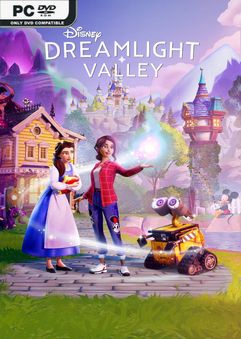
BUILD 19522267 – ONE FTP LINK – TORRENT
Explore a world filled with the magic of Disney as you discover rich….
ABOUT THE GAME
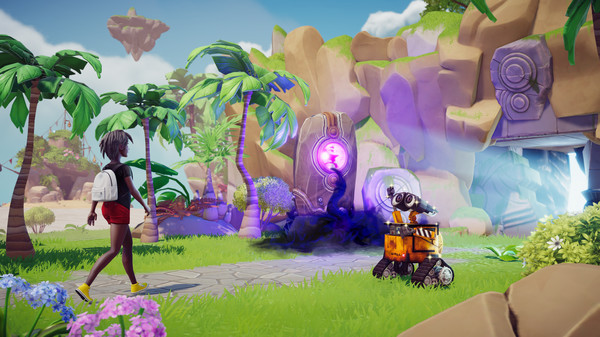
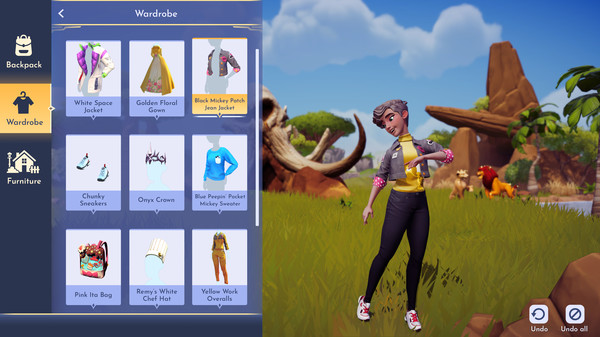
Explore a world filled with the magic of Disney as you discover rich stories and build the perfect neighborhood alongside Disney and Pixar heroes and villains in this new life-sim adventure game. Welcome to Disney Dreamlight Valley.
Title: Disney Dreamlight Valley
Genre: Action, Adventure, Casual, RPG, Simulation
Release Date: 5 Dec, 2023
Support the software developers. BUY IT!
• https://store.steampowered.com/app/1401590/Disney_Dreamlight_Valley/
Disney Dreamlight Valley Build 19522267
Size: 12 GB
——————————-
Uploading.........
Disney.Dreamlight.Valley.Build.19522267.zip
Disney.Dreamlight.Valley.Build.19522267.zip
Disney.Dreamlight.Valley.Build.19522267.zip
Disney.Dreamlight.Valley.Build.19522267.zip
Disney.Dreamlight.Valley.Build.19522267.zip
Disney.Dreamlight.Valley.Build.19522267.zip
Uploading.........
Enjoy
MINIMUM:
-
- Requires a 64-bit processor and operating system
- OS: Windows 10
- Processor: Intel Core i3-540 or AMD Phenom II X4 940
- Memory: 6 GB RAM
- Graphics: NVIDIA GeForce 9600 GT, 512 GB or AMD Radeon HD 6570, 1 GB
- DirectX: Version 10
- Storage: 10 GB available space
Disney Dreamlight Valley Build 19522267
1. Extract
2. Play!
1. Extract
2. Play!

Posted by



doesnt have dlc :/
Cheers for the upload.. -but- yep, need one with all the DLC’s + this attached as well.
Thanks so much for uploading it though.
Hola buenas, podrías subir el repack en formato iso? Gracias
need all DLCs
Have got the version from CS – which has the Inside Out / allows you to go online.. all working great!
Moved my old save file into the new game – working fine.
One massive problem:
The DLC’s are supposed to be unlocked and aren’t in that version. Now cannot access the Rift or Storybook Vale!!
If anyone could solve this – or do a repack which includes ALL the DLC + Inside Out – I would be super grateful!
HOW DID YOU TRANSFER YOUR OLD GAME? THANK YOU
Are you on a PC – if so, I can probably help 🙂
If it’s any other way .. not sure I can.
PC:
– Depending on how you have installed the game (Steam etc? – Depends where the old save is)
– If it’s the version from here or CS then it’s probably going to be windows_standalone_ r folder which can be found at: C:\Users\(your username)AppData\LocalLow\Gameloft\Disney Dreamlight Valley
The save files are: profile.json and player.log
For me – have had about three versions installed: The one with all 3 DLC’s but without Inside Out and online.. and the standalone Inside Out version with online activated.
Was level 40 etc and all maxed out on the first install.. moved the save files into the Inside Out version folder (windows_standalone_r) inside the appdata mentioned above ^^
ALWAYS check the correct save file you have by opening it.. check the level you are at and the user name used in the save file. When you know it’s the correct one.. feel free to copy the save game (profile.json and player.log) to your new folder.
Should sort it! (On a PC any way)
oui on peut jouer en ligner mais pas la boutique pour avoir les pierres de lunes
I do what you tell me, I take the game files that I have installed on the PC with all the DLC and I copy the files and put them in the Inside Out folder and it doesn’t recognize them, the game starts again.
Just the player.log and profile.json ones are needed.
Has to be in the appdata/locallow/gameloft/DDV/ folder only. Won’t work if they are put in the actual game installation folder.
Quick check:
What folders are in the gameloft/DDV/ folders please?
Is there a steam_default_r or windows_standalone_r folder in there?
Or both? Or more than that?
NO DLCs…. two maps doesn’t work… plz reupload fully
How do I install the rest of the DLC?
Might as well wait until November now all!
New DLC expansion pack coming so there should be a repack in the works with all the DLC’s included I’d think 😀