


Call of Duty Modern Warfare Campaign v8.67-Repack
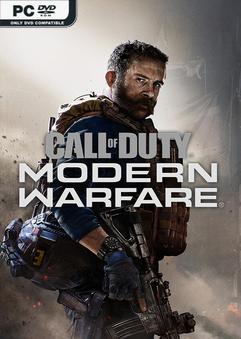
REPACK – ONE FTP LINK – TORRENT
In Call of Duty Modern Warfare players join an elite team of international operatives….
ABOUT THE GAME
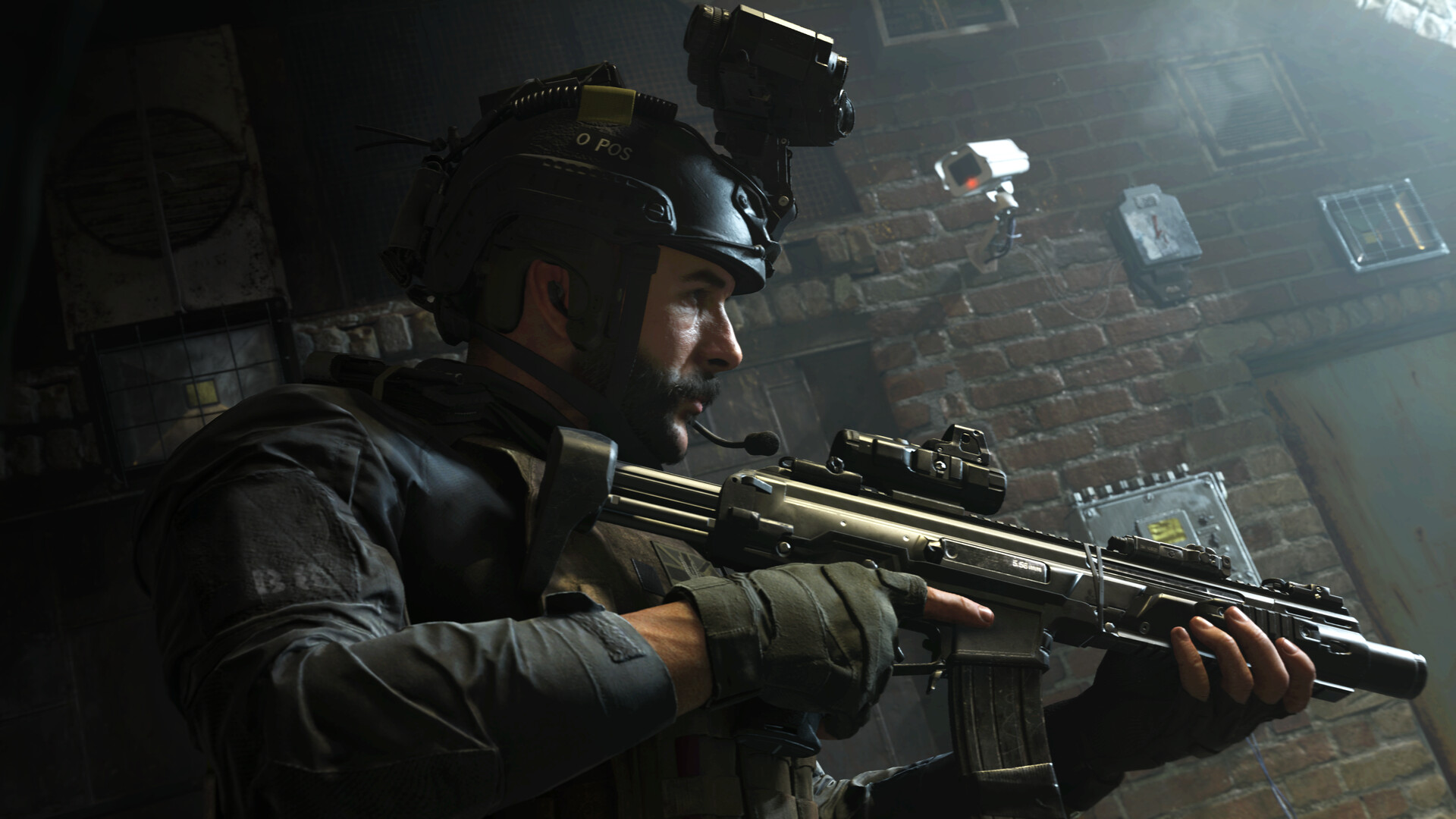
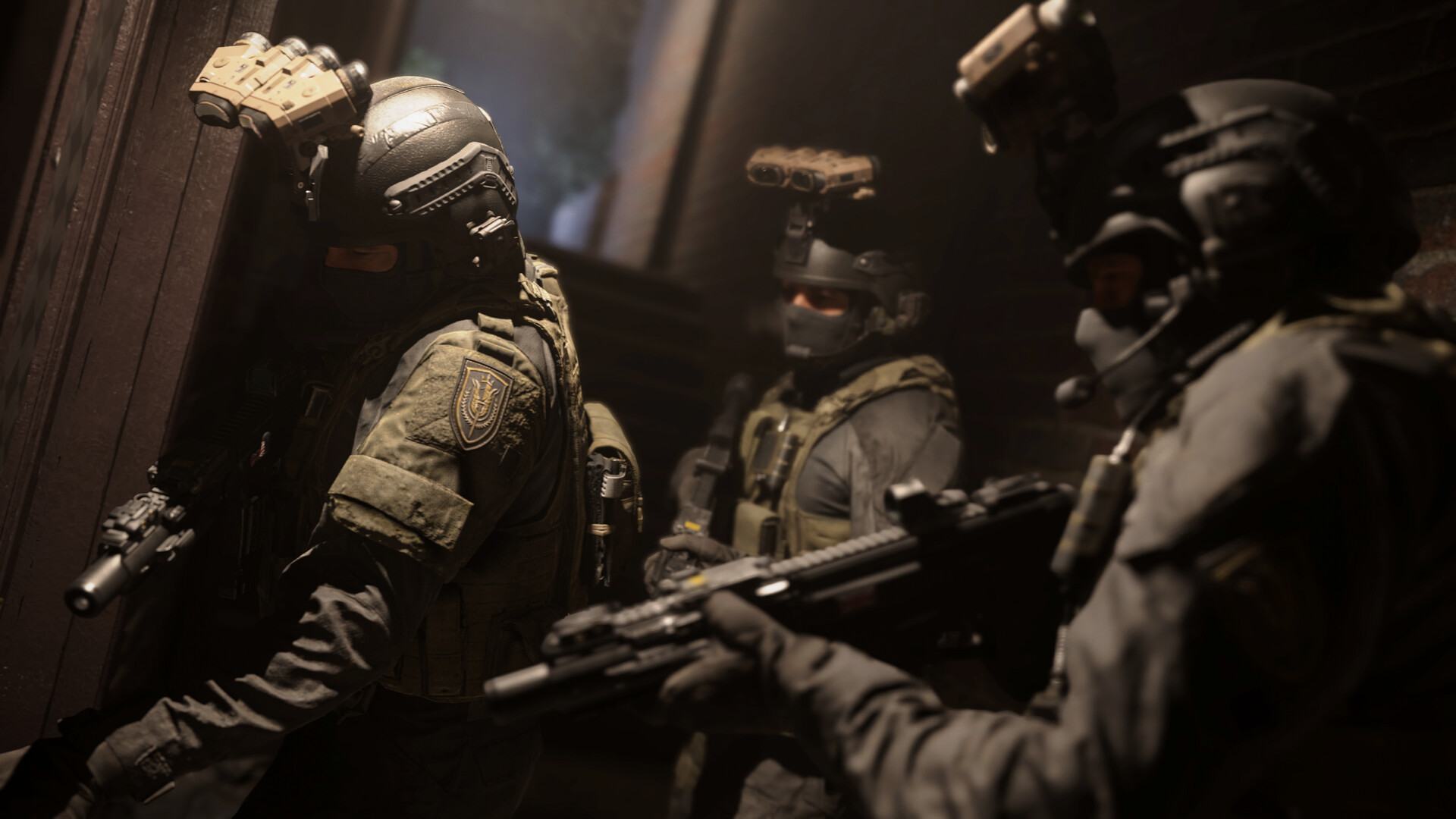
In Call of Duty Modern Warfare players join an elite team of international operatives on a high-stakes mission to stop a global threat. The campaign blends brutal realism and emotional intensity as you battle across Europe and the Middle East. With cinematic storytelling and powerful characters, it redefines modern military warfare.
Title: Call of Duty Modern Warfare
Genre: Action
Release Date: 8 Mar, 2023
Support the software developers. BUY IT!
• https://store.steampowered.com/app/2000950/Call_of_Duty_Modern_Warfare/
Call of Duty Modern Warfare Campaign v8.67-Repack
Size: 100 GB
——————————-
Uploading.........
Call.of.Duty.Modern.Warfare.Campaign.v8.67-Repack.iso
Call.of.Duty.Modern.Warfare.Campaign.v8.67-Repack.iso
Call.of.Duty.Modern.Warfare.Campaign.v8.67-Repack.Torrent
Call.of.Duty.Modern.Warfare.Campaign.v8.67-Repack.Torrent
Call.of.Duty.Modern.Warfare.Campaign.v8.67-Repack.Torrent
Call.of.Duty.Modern.Warfare.Campaign.v8.67-Repack.Torrent
Call.of.Duty.Modern.Warfare.Campaign.v8.67-Repack.Torrent
Enjoy
-
MINIMUM:
- Requires a 64-bit processor and operating system
- OS: Windows® 10 64-bit
- Processor: Intel® Core™ i3-4340 or AMD FX-6300
- Memory: 8 GB RAM
- Graphics: NVIDIA® GeForce® GTX 670 / NVIDIA® GeForce® GTX 1650 or AMD Radeon™ HD 7950
- DirectX: Version 12
- Network: Broadband Internet connection
- Storage: 175 GB available space
Call of Duty Modern Warfare Campaign v8.67-Repack
1. Extract
2. Play!
1. Extract
2. Play!

Posted by



This shit working or giving malware like previous upload???
Only redneck incels arent having malwares on their pcs.
i wonder why moderators allow this kind of comments everyday… spreading false and negative infos… where the hell is the malware show some proof you dumb kiddo…
“discord_game_sdk.dll” is infected with Malware dumbass.
How did you come to this conclusion? Just because the antivirus gave a false positive.
The campaign works very well , but there is a save problem when I quit the game does not save progress , apart from that everything is clean ( tannks team )
It keeps opening Steam and Ofc no license
is there a solution to that ?
my game just opening and then automatically closed after starting the first mission
I have a problem with the CALL OF DUTY MODERN WARFARE 2019
I open it normally and after 2 minutes it suddenly closes by itself without any problem or anything else. I open it again and it does the same thing.
Any solution ?
I open it normally and after 2 minutes it suddenly closes by itself without any problem or anything else. I open it again and it does the same thing. Any solution plz ?
bad optimization,had to reload shaders 2wice,also doesnt save after exiting game
Game Completed by following these steps.
I was going through the issue – Initially i came across lot of crashes and save game issues.
For Save Game: Downloaded the V3 version by r4v3n (i guess) – It worked like post crash my game used to start from the chapter instead of start of the game. however it does not save the recent checkpoint. (still win-win)
For the untimely crashes: I came across an user’s posts somewhere on we, just felt to give it a try (don’t know who that user is – if you come across feel free to tag yourself in the comment) – It definitely worked. (follow this)
Open command prompt with admin privileges, and run the following commands one by one:
DISM.exe /Online /Cleanup-image /Restorehealth
sfc /scannow
(it will fix issues if any)
Now run these commands:
lodctr /R %windir\system32\wmiaprpl.dll
lodctr /R %windir\system32\wbem\wmiaprpl.dll
lodctr /R %windir\system32\Secur32.dll
lodctr /R %windir\system32\esentprf.dll
lodctr /R %windir\system32\perfts.dll
lodctr /R %windir\System32\bitsperf.dll
lodctr /R %windir\system32\mscoree.dll
lodctr /R %windir\system32\rasctrs.dll
lodctr /R %windir\cdsystem32\usbperf.dll
lodctr /R
Following is the main thing:
Open the Windows Event Viewer. (You can do so by typing “eventvwr” in the run box.)
I scrolled to “Windows logs” > “Application”
I ran the game again, thinking it will crash but to my surprise, the game did not crash AT ALL. But I took the opportunity and played the campaign. Next day tried it again and completed whole campaign without single crashes.
Please note: I avoided the desktop shortcut to start the game instead went to the file location and played through !start_cod.bat (whatever the game file name be)
I use Windows 11, AMD Ryzen 5 5600H, 4GB Graphics, 24 GB RAM.
Mission Accomplished – Thanks to the unknown user…
Game completed by following these steps. (No Malwares – All 3rd party apps/ crack files will be detected as malwares so switch off your windows security)
I was going through the issue – Initially i came across lot of crashes and save game issues.
1. For Save Game: Downloaded the V3 version by r4v3n (i guess) – It worked like post crash my game used to start from the chapter instead of start of the game. however it does not save the recent checkpoint. (still win-win)
2. For the untimely crashes: I came across an user’s posts somewhere on we, just felt to give it a try (don’t know who that user is – if you come across feel free to tag yourself in the comment) – It definitely worked. (follow this)
Open command prompt with admin privileges, and run the following commands one by one:
DISM.exe /Online /Cleanup-image /Restorehealth
sfc /scannow
(it will fix issues if any)
Now run these commands:
lodctr /R %windir\system32\wmiaprpl.dll
lodctr /R %windir\system32\wbem\wmiaprpl.dll
lodctr /R %windir\system32\Secur32.dll
lodctr /R %windir\system32\esentprf.dll
lodctr /R %windir\system32\perfts.dll
lodctr /R %windir\System32\bitsperf.dll
lodctr /R %windir\system32\mscoree.dll
lodctr /R %windir\system32\rasctrs.dll
lodctr /R %windir\cdsystem32\usbperf.dll
lodctr /R
Following is the main thing:
Open the Windows Event Viewer. (You can do so by typing “eventvwr” in the run box.)
I scrolled to “Windows logs” > “Application”
I ran the game again, thinking it will crash but to my surprise, the game did not crash AT ALL. But I took the opportunity and played the campaign. Next day tried it again and completed whole campaign without single crashes.
Please note: I avoided the desktop shortcut to start the game instead went to the file location and played through !start_cod.bat (whatever the game file name be)
I use Windows 11, AMD Ryzen 5 5600H, 4GB Graphics, 24 GB RAM.
Mission Accomplished – Thanks to the unknown user…