


All Hail the Orb Build 23025459
BUILD 23025459 – ONE FTP LINK – TORRENT
All Hail The Orb is a short, quirky pixel-art incremental….
ABOUT THE GAME
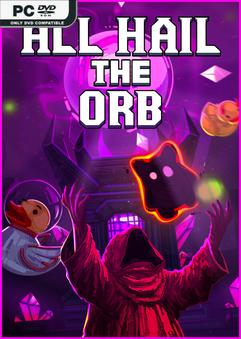
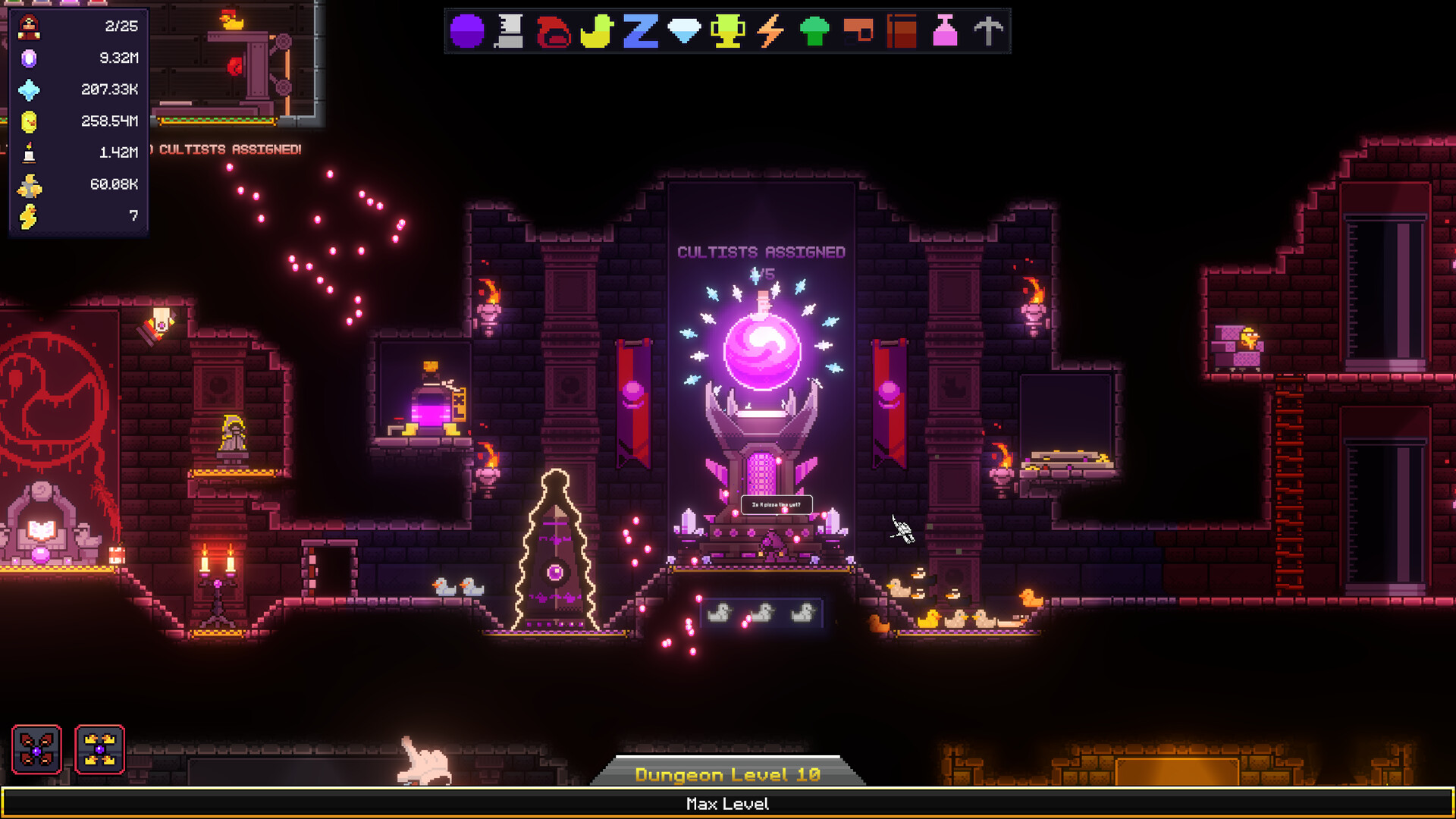
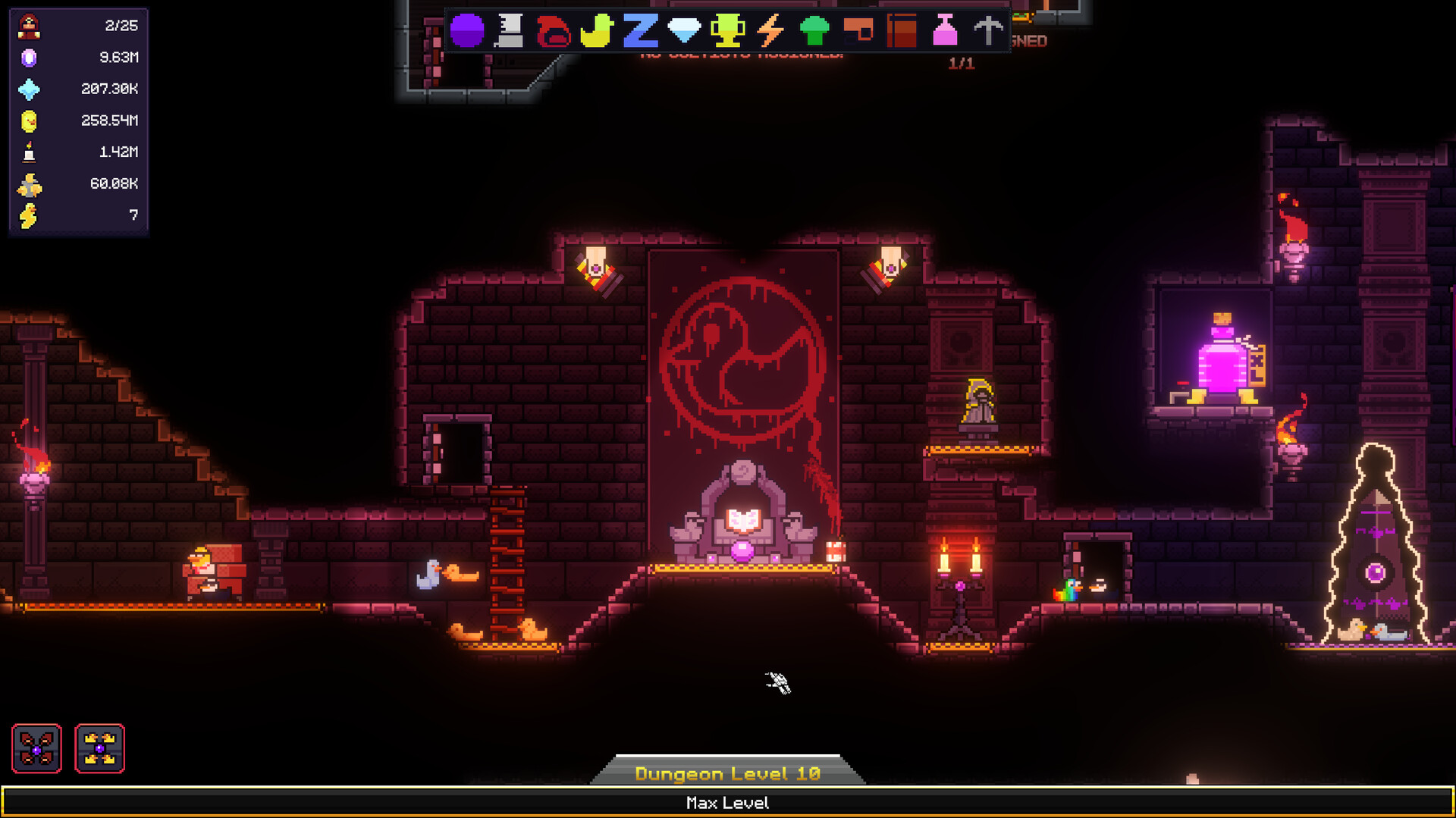
All Hail The Orb is a short, quirky pixel-art incremental game about powering a mysterious orb, summoning cultists, exploring a dungeon and slowly unlocking automation as devotion builds. The tone is light-hearted and a little silly with no fail states, relaxed pacing, and yes…many, many ducks.
Title: All Hail the Orb
Genre: Casual, Simulation
Release Date: 20 Apr, 2026
Support the software developers. BUY IT!
• https://store.steampowered.com/app/4262310/_All_Hail_the_Orb/
All Hail the Orb Build 23025459
Size: 120 MB
——————————-
Uploading.........
All.Hail.the.Orb.Build.23025459.zip
All.Hail.the.Orb.Build.23025459.zip
All.Hail.the.Orb.Build.23025459.zip
All.Hail.the.Orb.Build.23025459.zip
All.Hail.the.Orb.Build.23025459.zip
All.Hail.the.Orb.Build.23025459.zip
All.Hail.the.Orb.Build.23025459.zip
All.Hail.the.Orb.Build.23025459.zip
All.Hail.the.Orb.Build.23025459.zip
All.Hail.the.Orb.Build.23025459.zip
All.Hail.the.Orb.Build.23025459.zip
All.Hail.the.Orb.Build.23025459.zip
All.Hail.the.Orb.Build.23025459.zip
All.Hail.the.Orb.Build.23025459.zip
All.Hail.the.Orb.Build.23025459.zip
All.Hail.the.Orb.Build.23025459.zip
All.Hail.the.Orb.Build.23025459.zip
All.Hail.the.Orb.Build.23025459.zip
All.Hail.the.Orb.Build.23025459.zip
All.Hail.the.Orb.Build.23025459.zip
All.Hail.the.Orb.Build.23025459.zip
All.Hail.the.Orb.Build.23025459.zip
All.Hail.the.Orb.Build.23025459.zip
Uploading.........
Enjoy
-
MINIMUM:
- OS: 10
- Processor: 2.7 GHz Dual Core or Better
- Memory: 4 GB RAM
- Graphics: 512MB, OpenGL 3+ compatible
- Storage: 5 GB available space
All Hail the Orb Build 23025459
1. Extract
2. Play!
1. Extract
2. Play!

Posted by



Crash on start for me
game crash at launch
Crash on start
Same, game crash on launch. Tried changing many settings, still the same.
to fix crash on start on game
left click game
go to Properties
click on compatibility
go down to change settings for all users
then grab a knife and cut off your pp
“go down to change settings for all users” and what ? many options on new window opened. Thanks !
worked somehow…
fix of app crashing, get the golberg steam_api64.dll of other game or from github and replace it
All.Hail.the.Orb.Build.23025459\All Hail the Orb_Data\Plugins\x86_64\steam_api64.dll
game don’t crash but we can’t purchase any upgrade of base…
You have to delete \AppData\LocalLow\LeGingerDev directory
Okay I successfully managed to enter the game just editing the file steam_appid.txt
Which is located at
All Hail the Orb_Data\Plugins\x86_64\steam_settings\steam_appid.txt
As the file name says it has the Steam app ID in the txt. The one in this file its 2250500 from the game Rhythia.
Change it to 4262310. That is the Steam ID for All Hail the Orb game.
Done no replacing steam_api64.dll, no changing compatibility. Just that.
GL HF
If you cant still buy Resource Center after deleting
\AppData\LocalLow\LeGingerDev folder
Then also delete \AppData\Roaming\GSE Saves\4262310 folder
I could finally buy the Resource Center after deleting both locations.